Remote work has moved countless daily tasks onto home networks, coffee shop Wi-Fi, and shared routers that were never designed with company data in mind. That shift raises the stakes for VPN for remote work security, since every unencrypted login or unscanned attachment becomes a potential opening for attackers. NordVPN packages encryption, malware detection, and scam alerts into one toolkit built around that reality.
Encrypting the Remote Work Connection
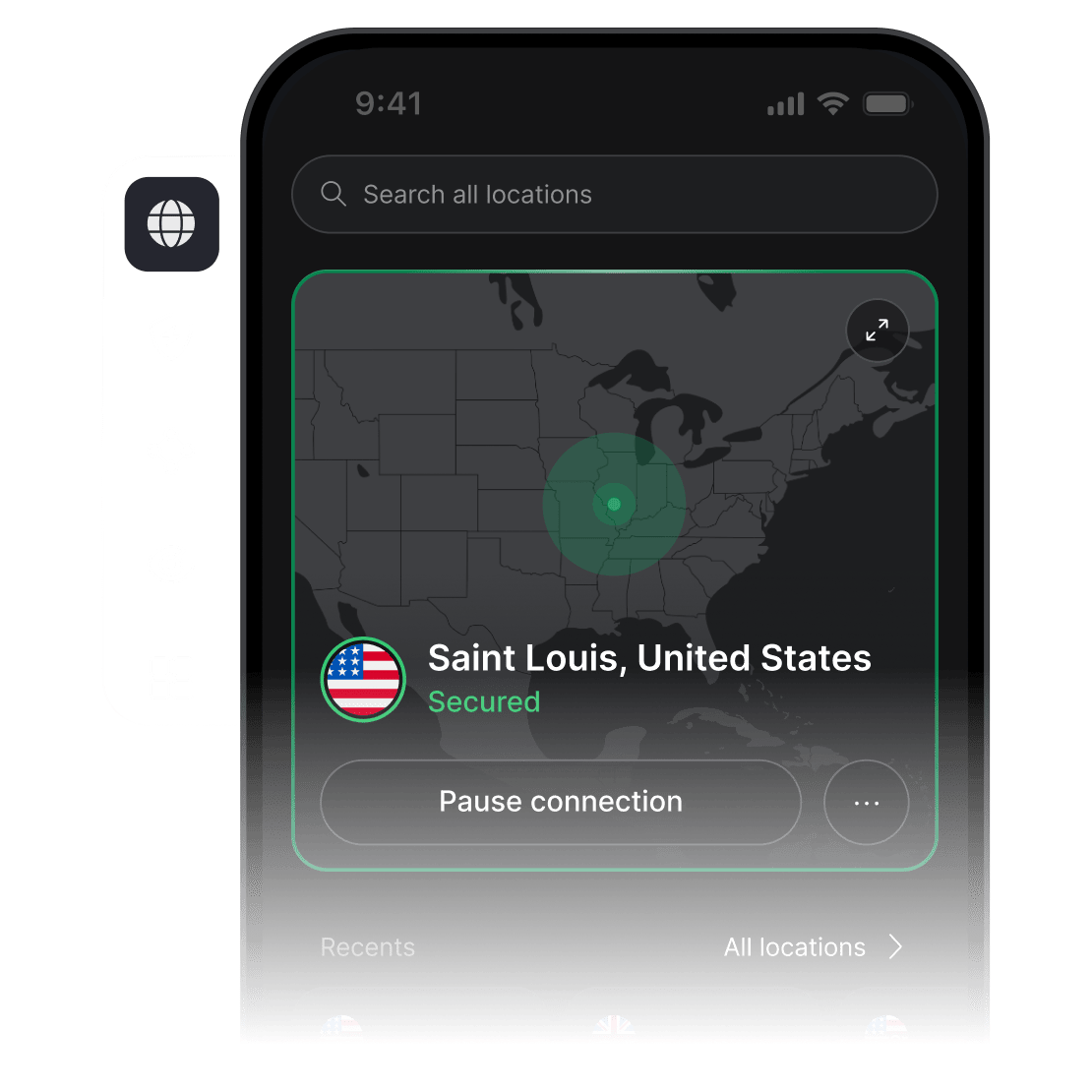
Connecting through NordVPN hides the originating IP address and routes traffic through an encrypted tunnel. That matters most on networks outside direct control, such as airport terminals or rented offices. The brand describes its service as a way to browse without restrictions or intrusive ads while keeping the connection shielded from onlookers.
An unprotected connection status is shown plainly on the brand’s site, flagging the ISP and IP address of anyone not yet connected to a server. That detail underlines a simple point. Without an active VPN for remote work security, the network itself can expose information, and switching on a server session closes that visibility gap.
Next-Gen Antivirus and Malware Detection in NordVPN
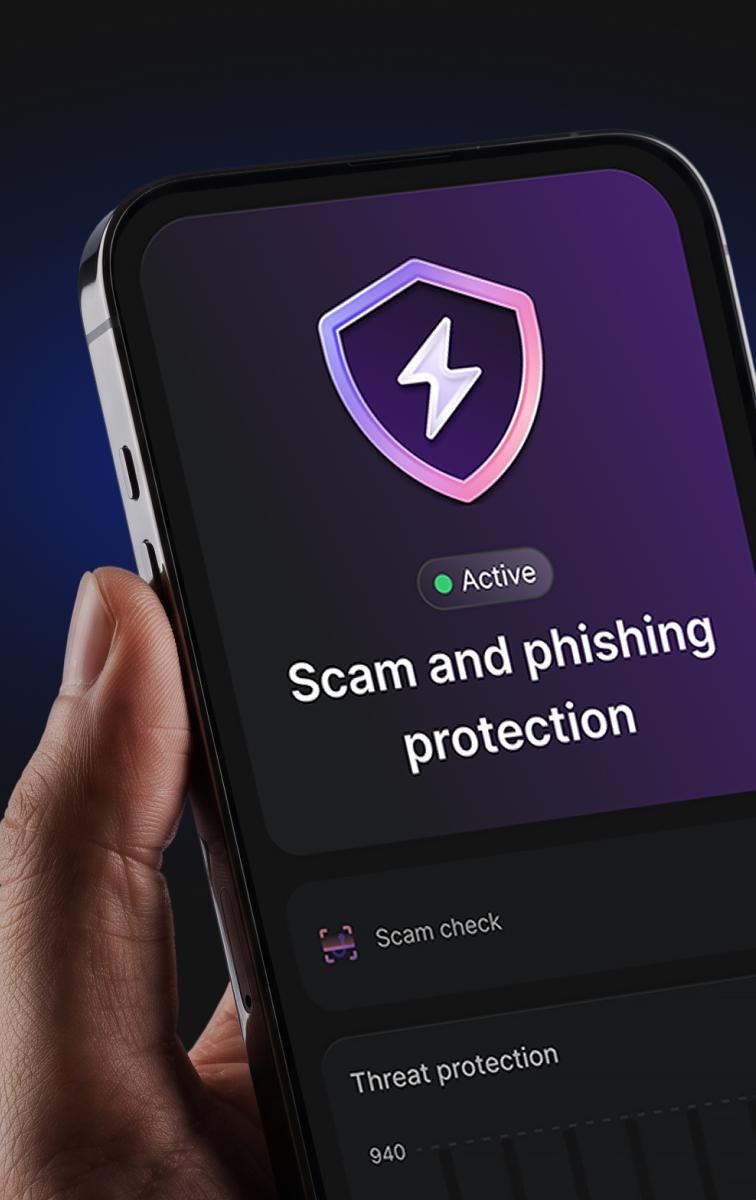
The service frames its antivirus layer as a response to how online threats have changed. Viruses alone are no longer the main danger, so the system is built as next-gen protection against scams, phishing, fraud, and malware together. That framing reflects a broader shift in online risk, where stolen passwords and social engineering now rival traditional malicious code.
The description notes explicitly that today’s threats rely more on scams, phishing, and stolen passwords than on malware alone. The platform positions its tool as something that monitors information for leaks and automatically flags these risks. That automatic detection is meant to reduce how much manual verification a remote worker needs before clicking or downloading a file.
Phishing Protection and Scam Detection Features

Phishing remains one of the easiest ways for attackers to slip past a busy inbox. The scam alert feature warns when a visited website is known for scamming people, acting as an early flag before any data is entered. For someone juggling multiple work logins daily, that warning can interrupt a scam before it progresses further.
The phishing protection component goes a step further by spotting phishing links and fake login pages directly. An alert about the risk appears before credentials are typed in, which is particularly relevant for remote staff who log into cloud dashboards, shared drives, and client portals throughout the day. Catching a fake page early avoids the kind of credential theft that spreads quietly through an organization.
Ad Blocker and Malware Scanner Integration
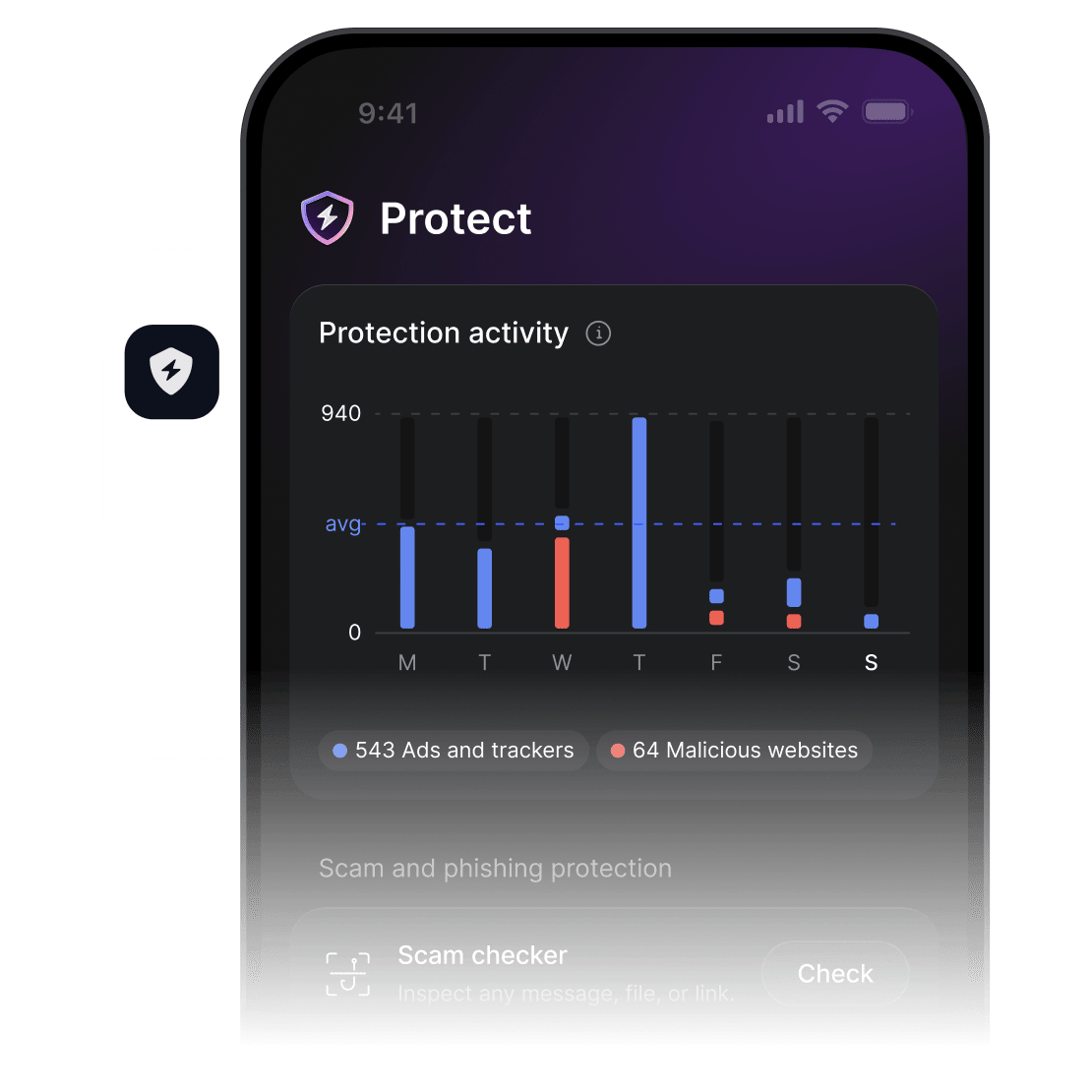
Beyond phishing, an ad blocker is designed to reduce visual clutter and the risk of accidentally clicking a malicious ad. Malicious advertising is a known delivery method for malware, so removing that clutter also removes one common trigger point. This is especially relevant on shared or public networks where ad injection can be harder to control.
The malware scanner component is described as a way to stop malware and trackers, rounding out the protective layer around everyday browsing. Combined, the ad blocker and malware scanner sit alongside the encrypted tunnel rather than replacing it, giving remote workers overlapping layers instead of a single point of defense. That layered approach is central to this VPN for remote work security toolkit.
- Unsecured public Wi-Fi exposes traffic to interception, which the encrypted connection is built to counter.
- Phishing emails and fake login pages aim to steal credentials, which the phishing protection feature flags before information is entered.
- Scam websites try to trick users into handing over personal details, which the scam alert feature calls out in advance.
- Malicious or injected ads can trigger drive-by malware downloads, which the ad blocker is designed to suppress.
- Hidden malware and trackers can quietly collect data from a device, which the malware scanner is built to detect and stop.
Monitoring Information Leaks and Digital Threats

Leaked credentials and exposed personal data often surface long after the original breach happens. NordVPN‘s description mentions monitoring information for leaks as part of a broader digital security approach, pairing that monitoring with the automatic detection of scams and fraud attempts. For remote employees handling sensitive client or company data, this adds a layer of awareness beyond the browser itself.
Taken together, these features describe a setup for VPN for remote work security that does not rely on a single tool. Encryption covers the connection, antivirus and malware scanning cover the device, and phishing or scam alerts cover the human decision point. That layered structure is the core idea behind how the toolkit is framed.
The integration of all these components reflects how NordVPN addresses the fact that modern remote work involves navigating multiple threat vectors simultaneously. A remote employee might encounter unencrypted networks, suspicious emails, malicious advertisements, and credential-stealing pages all in a single workday. Rather than forcing a choice between encryption, malware detection, and phishing alerts, the service bundles them into a unified offering that treats each threat category as equally important to the protection strategy.
Another dimension of this approach involves the way the service responds to evolving attack methods. Since today’s attackers focus heavily on social engineering and credential theft rather than traditional malware alone, tools that flag phishing links and monitor for leaked passwords become just as critical as encryption and antivirus scanning. This reflects a pragmatic acknowledgment that remote work exposes organizations to human-centered attacks alongside technical ones.
Remote work shows no signs of slowing, and neither do the security threats designed to exploit it.