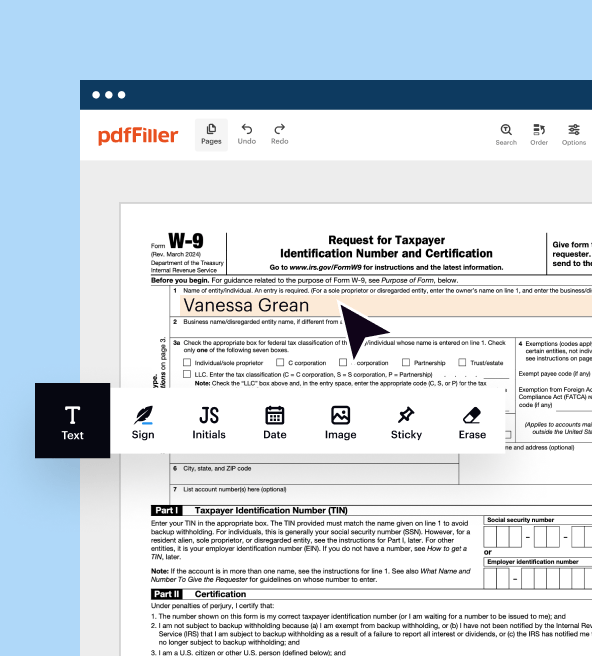
PDFFiller provides a browser-based document editor built for people who need to fill out, edit, and store PDFs without paying for tools they rarely use. Looking at PDFFiller’s core features shows a toolset centered on editing, form filling, and personal storage rather than team signature workflows. This article examines what that core toolset covers and where its scope naturally ends.
What PDFFiller’s Core Toolset Includes
The foundation is a browser-based editor that opens, edits, and creates PDFs without any desktop installation. PDFFiller accepts uploads directly from a device and recognizes file types such as DOC, DOCX, RTF, PPT, PPTX, JPEG, PNG, XLS, XLSX, and TXT alongside standard PDFs. For someone handling occasional personal paperwork, that range covers most household and administrative documents without extra software.
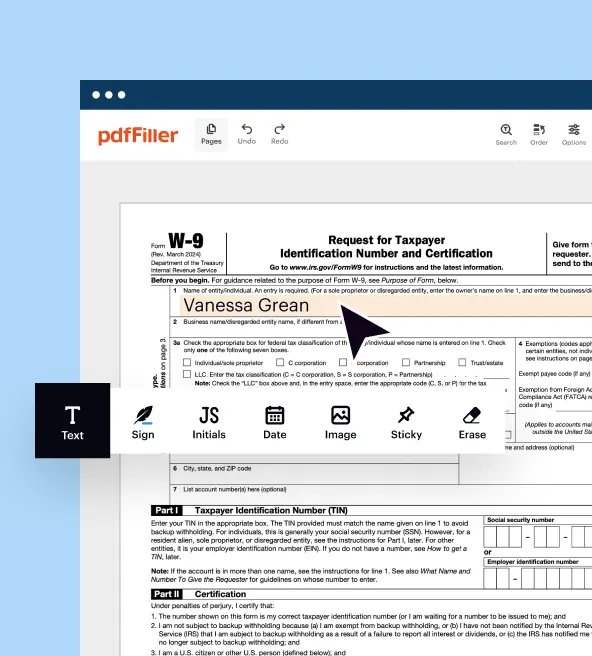
Beyond simple viewing, the editor allows typing, deleting, highlighting, and blacking out text directly on a page. Images and drawn graphics can also be placed onto a document. These tools suit quick, individual edits rather than large production runs, which keeps the core features focused on single-user tasks.
Editing and Form Filling Capabilities
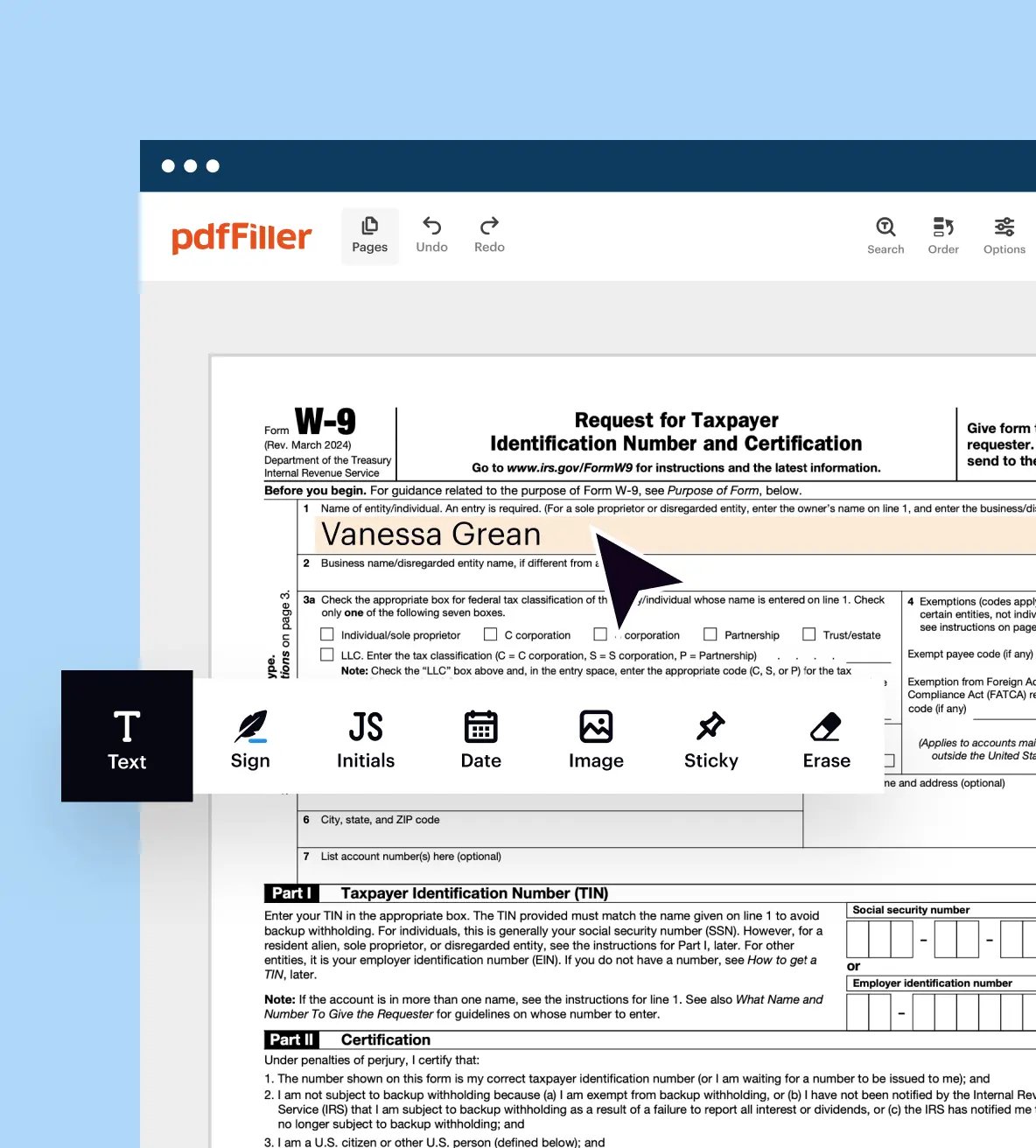
Form filling is one of the more practical strengths among the features. A connected search engine draws on a library described as holding 40 million fillable PDF forms, letting someone locate a template instead of building one from scratch. Once a form opens, fields can be typed into directly, and a signature can be added using a signature font or a drawn signature.
- A browser-based editor for typing, deleting, highlighting, and blacking out text on any PDF.
- Access to a fillable form library described as containing 40 million templates.
- A PDF Typer tool for adding text to documents that were never built as interactive forms.
- Page-level tools for merging, splitting, and rearranging multi-page PDFs.
- Upload support for PDFs up to 100 MB and other document formats up to 25 MB.
- A dedicated catalog of IRS tax forms, including current individual return templates.
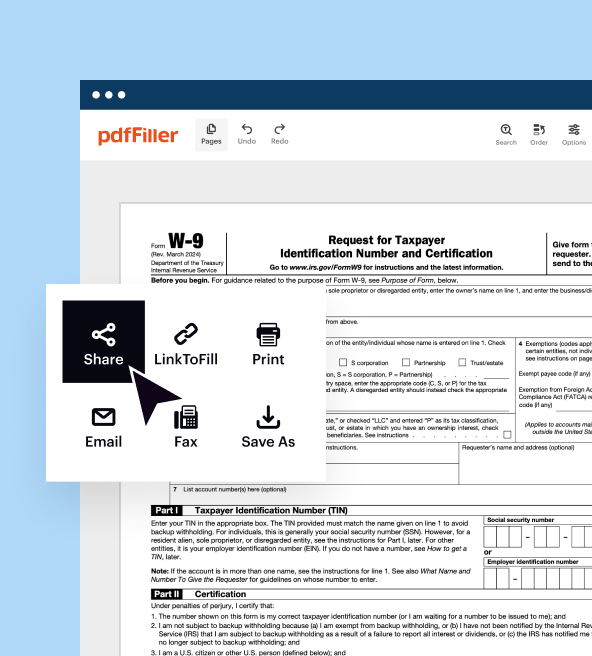
The PDF Typer feature handles documents that were not originally built as interactive forms, placing text onto scanned or flat pages that lack fillable fields. Pages can be rearranged, merged, or split, which keeps multi-page paperwork organized without separate software. Tax season filing is one concrete example, since the platform maintains a catalog of IRS tax forms that can be filled, downloaded, printed, emailed, or faxed once complete.
Document Storage and Access Across Devices
Access to documents is not limited to a single machine. Because the editor runs through a browser, files opened or edited on one computer stay available when signing in elsewhere. This cross-device access matters for anyone who switches between a desktop and a mobile device during a workday.
Uploads carry file size allowances, with PDF uploads supported up to 100 MB and other supported file types up to 25 MB. That range covers most personal documents, applications, and scanned forms without requiring compression beforehand. As a result, filled and edited documents stay in one place, which suits document habits built around individual storage rather than shared team drives.
When Document Needs Grow Beyond Core Tools
PDFFiller’s core features are built around individual, single-document tasks, which keeps the scope narrow and the workflow simple for one person. The broader platform includes features such as securely collaborating within Organizations, sharing folders and templates with teammates, and tracking signature status across a group. Those collaborative tools sit outside the core editing and filling toolset, and their absence is part of what keeps the core offering lighter.
Enterprise-grade eSignature workflows mark another limit. The signNow-powered signature tools allow documents to be sent in a role-based signing order with status tracking, which suits teams managing multiple signers. A person filling out a single form occasionally will rarely need that structure, but a small business handling client paperwork regularly might find it worth exploring.
Industries with recurring document demands, such as tax and accounting work, often need more than core editing. The tax and finance offering includes pre-filling documents from spreadsheet data and sending engagement letters or IRS authorizations for signature with reminder tracking. Those capabilities sit outside the core PDFFiller features, which stay oriented toward individual, occasional use.
Comparing Core Editing Tools to Collaboration and eSignature Features
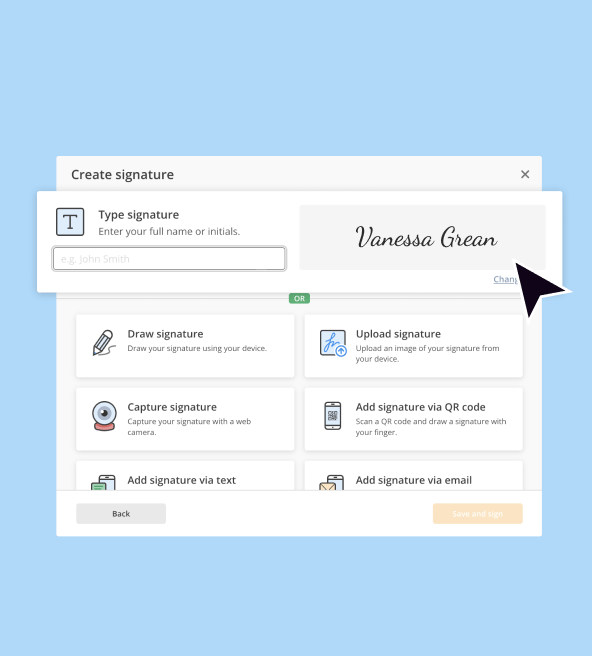
The wider platform description mentions eSignature workflows, unlimited cloud storage, and extensive form libraries as part of the fuller offering. Comparing PDFFiller‘s core features against that broader list shows the gap sits mainly around signature collection, team sharing, and extras like smart tag organization. The editing and form-filling core, however, stays consistent across the service, so the lighter toolset is not a stripped-down demo so much as a narrower slice of the same editor.
For individuals who only need to fill out a form, sign it personally, and download or email it, that gap may not matter much. For anyone sending documents out for signature from other people, tracking multiple signers, or collaborating inside a shared Organization, the additional tools built into the fuller offering become more relevant. The decision mostly comes down to whether a document workflow involves one person or several.
PDFFiller‘s G2 rating, listed at 4.6 out of 5 from 710 reviews, reflects the platform as a whole rather than any single feature set. Still, it gives a general sense of how the service is received across its editing, signing, and document management features together. The platform’s actual toolset can be reviewed directly to find which set of features matches a given workflow.
Document habits tend to grow over time, so a toolset that fits today may warrant revisiting as paperwork demands change.