Mac users who need Windows software often face a choice between two related products from the same maker. Parallels Desktop vs Pro is a comparison that comes up often among students, home users, and developers deciding how much virtualization power is actually needed. Both products run Windows on Mac hardware, including Intel and Apple silicon machines, though the scope and intended audience differ considerably.
Parallels Desktop for Mac: Core Features and Use Cases
It Desktop for Mac is built for running Windows applications alongside macOS apps without needing a second device. It is marketed for home, school, and everyday work use. Thousands of Windows applications and games run side by side with macOS tools, and the product is authorized by Microsoft to run Windows 11 on Apple silicon.
At home, this covers everyday software such as accounting tools like QuickBooks and MYOB, along with entertainment and hobby applications that only exist on Windows. For school, Parallels Desktop unlocks specialized Windows software including Matlab, Ansys, SolidWorks, and Altium Designer, plus a variety of ready-to-use Linux distributions for computer science study. For work, it opens up the full Microsoft Office 365 suite with features that depend on the Windows version of Office.
Parallels Desktop Pro: Advanced Capabilities for Developers and Power Users
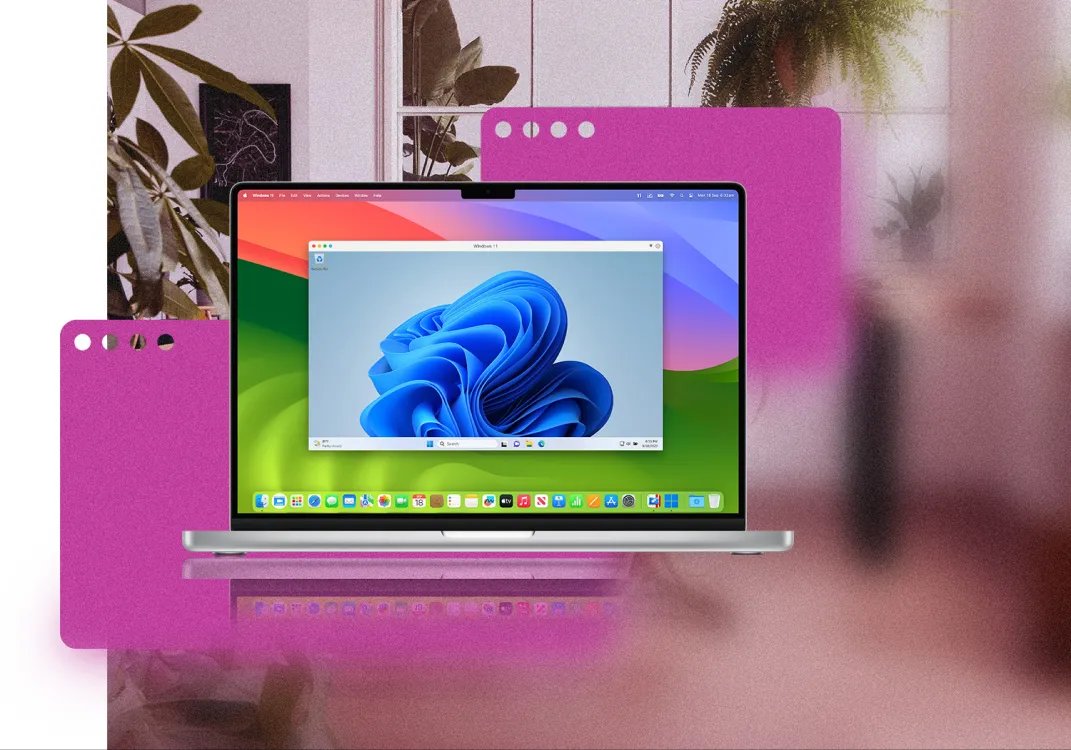
Parallels Desktop Pro is built for developers and power users who need more than a typical virtual machine setup can give. It supports running resource-heavy Windows applications, including Visual Studio, AutoCAD, and SolidWorks, on any Mac, including Apple silicon machines. The emphasis shifts from everyday productivity toward development, testing, and debugging work.
This product allows software to be developed, tested, and debugged across multiple operating systems running at the same time. That capability matters for teams supporting both Windows and Linux deployments from a single Mac. The focus here is on workflows that go beyond what everyday virtualization typically handles.
Running Multiple Operating Systems: Standard vs. Pro Comparison

The brand Desktop is oriented toward running one or two operating systems at a time for practical, everyday tasks on Intel or Apple silicon hardware. Parallels Desktop Pro, on the other hand, is positioned for developing and testing across Windows, Linux, and virtual macOS simultaneously, which is the clearest practical split when weighing It Desktop vs Pro for technical workloads.
A student running Matlab or a Linux distribution for a course may never need more than the standard product offers. A developer validating an application across several platforms at once benefits more from the broader simultaneous OS handling built into Parallels Desktop Pro. This distinction often becomes the deciding factor once workload complexity grows.
Windows Applications and Compatibility Across Both Versions
Compatibility with Windows applications is a shared strength across both products. The brand Desktop supports thousands of Windows applications and games, along with specialized engineering and data analysis tools for study and in-house business software for work. Both products integrate Windows apps into the macOS environment rather than requiring a separate physical machine.
Where the two diverge is in handling demanding, resource-heavy software reliably over longer sessions. This makes compatibility less about simply opening an application and more about sustaining heavier engineering, design, or development work without interruption. That difference is one of the practical markers separating the two products in daily use.
Development and Testing Workflows in Parallels Desktop Pro
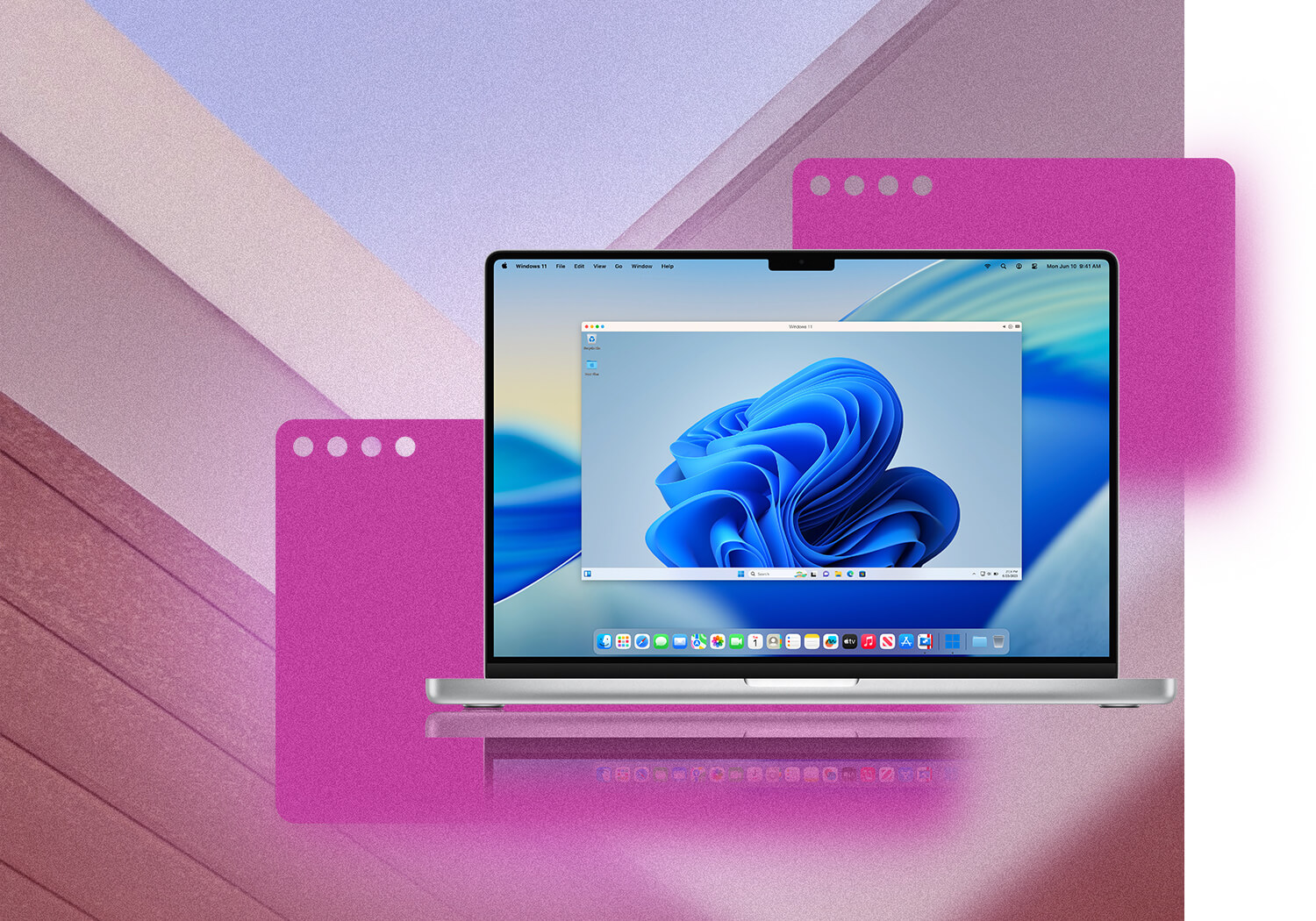
Parallels Desktop Pro includes features aimed squarely at coding and DevOps work. Developers can work in Visual Studio, Visual Studio Code, or another preferred IDE, and test applications across Windows, Linux, and virtual macOS without needing multiple physical machines or a dual-boot setup. A dedicated Visual Studio Code extension allows virtual machines and Vagrant boxes to be spun up, grouped, and orchestrated from inside the coding environment.
Automation is another area where this product extends beyond everyday virtualization. Command line integrations with tools such as Packer, Vagrant, and Jenkins let workflows be automated rather than managed by hand. In addition, it supports running Intel binaries in Linux on a Mac with Apple silicon, including x86 Docker containers, and connects to a dedicated DevOps service for managing virtual machines.
- Parallels Desktop Pro supports simultaneous development and testing across Windows, Linux, and virtual macOS, while the standard product is built around running one OS alongside macOS for everyday tasks.
- Parallels Desktop Pro explicitly supports resource-heavy applications such as Visual Studio, AutoCAD, and SolidWorks, whereas the standard product focuses on broader everyday and study-related Windows software.
- Automation tools including Packer, Vagrant, and Jenkins integrate with Parallels Desktop Pro through the command line, adding workflow automation not highlighted for the standard product.
- Parallels Desktop Pro includes a Visual Studio Code extension for orchestrating virtual machines and Vagrant boxes directly from a coding environment.
- Running Intel binaries in Linux on Apple silicon Macs, including x86 Docker containers, is a capability specifically called out for Parallels Desktop Pro.
Parallels Toolbox: What’s Included with Each Product Line
Parallels Toolbox brings together more than 50 one-click utilities for Mac and Windows, covering screenshots and screen recording, video and audio tools, file management, system maintenance, productivity tools, and desktop utilities. Rather than installing and updating a separate app for every small task, it gathers these functions into a single consistent interface. Popular tools mentioned include Clean Drive for scanning and clearing clutter, Clipboard History for collecting multiple copied items on macOS, and an Uninstall Apps tool for fully removing applications.
Toolbox is included with eligible subscriptions, giving subscribers access to the full utility set without a separate purchase. This means the choice between the two products does not need to involve a separate decision about everyday utility tools, since Toolbox access travels with eligible subscriptions across the product range. The practical difference between the two remains centered on virtualization depth and developer-oriented features rather than on these utilities.
Workload determines the choice between It Desktop and Parallels Desktop Pro more directly than other factors.