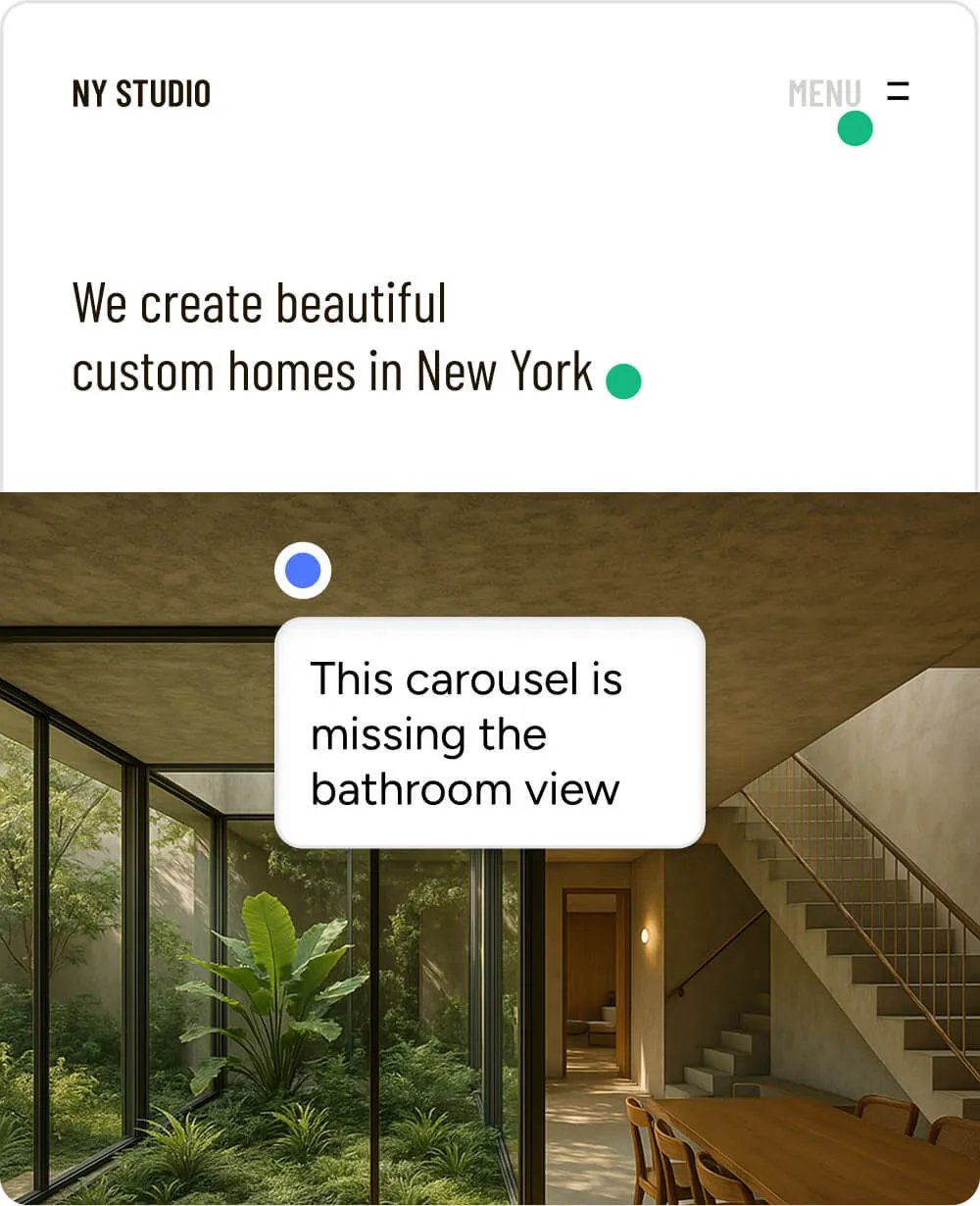
Teams that have already adopted visual feedback tools often reach a ceiling with basic annotation. Simple commenting solves the obvious problem but stalls once projects grow, stakeholders multiply, and approval cycles stretch across weeks. Pastel builds on top of that foundation with organization systems, real-time collaboration, and automation features designed for teams that need more than a sticky note on a screenshot.
Visual Feedback at Scale: How Pastel Layers Comments on Live Websites
It turns any live website into a shared canvas just by sharing a link. There is no code snippet or browser extension to install, which means clients and teammates can start commenting immediately. Comments attach to actual elements on the page rather than floating on top of a static image, so developers see exactly which button, headline, or section a note refers to.
This approach extends past websites too. Pastel supports landing pages, PDFs, wireframes, site maps, social posts, and video canvases, which keeps review work inside one tool instead of scattered across formats. As changes are made to a live site, The brand pulls in the latest version automatically, so reviewers are never commenting on something that has already changed.
Organizing Feedback with Tags and Status Tracking in Pastel
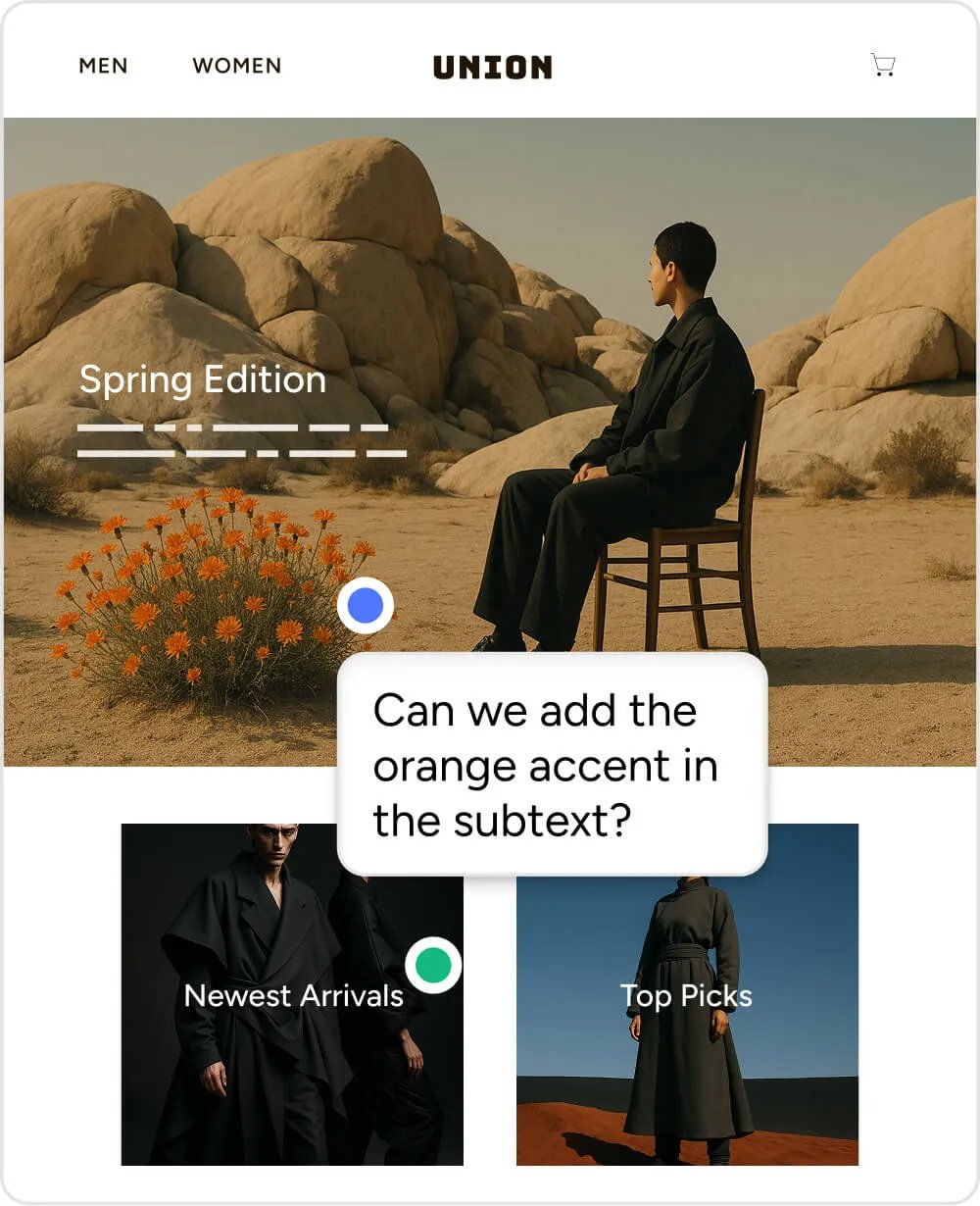
Once a project passes a handful of comments, sorting through them becomes its own task. Pastel addresses this with tags that let teams organize feedback and communicate progress without digging through a long thread. Comments can also be marked as resolved, which helps teams track what has been addressed and what still needs attention.
Approvals work alongside this tagging system. A canvas can be approved or sent back for changes independently of whether comments were left at all. Because approvals are tied to specific versions, a new version resets prior approvals, which keeps sign-off tied to the actual current state of the work.
Real-Time Collaboration: Multiple Users and Private Team Comments
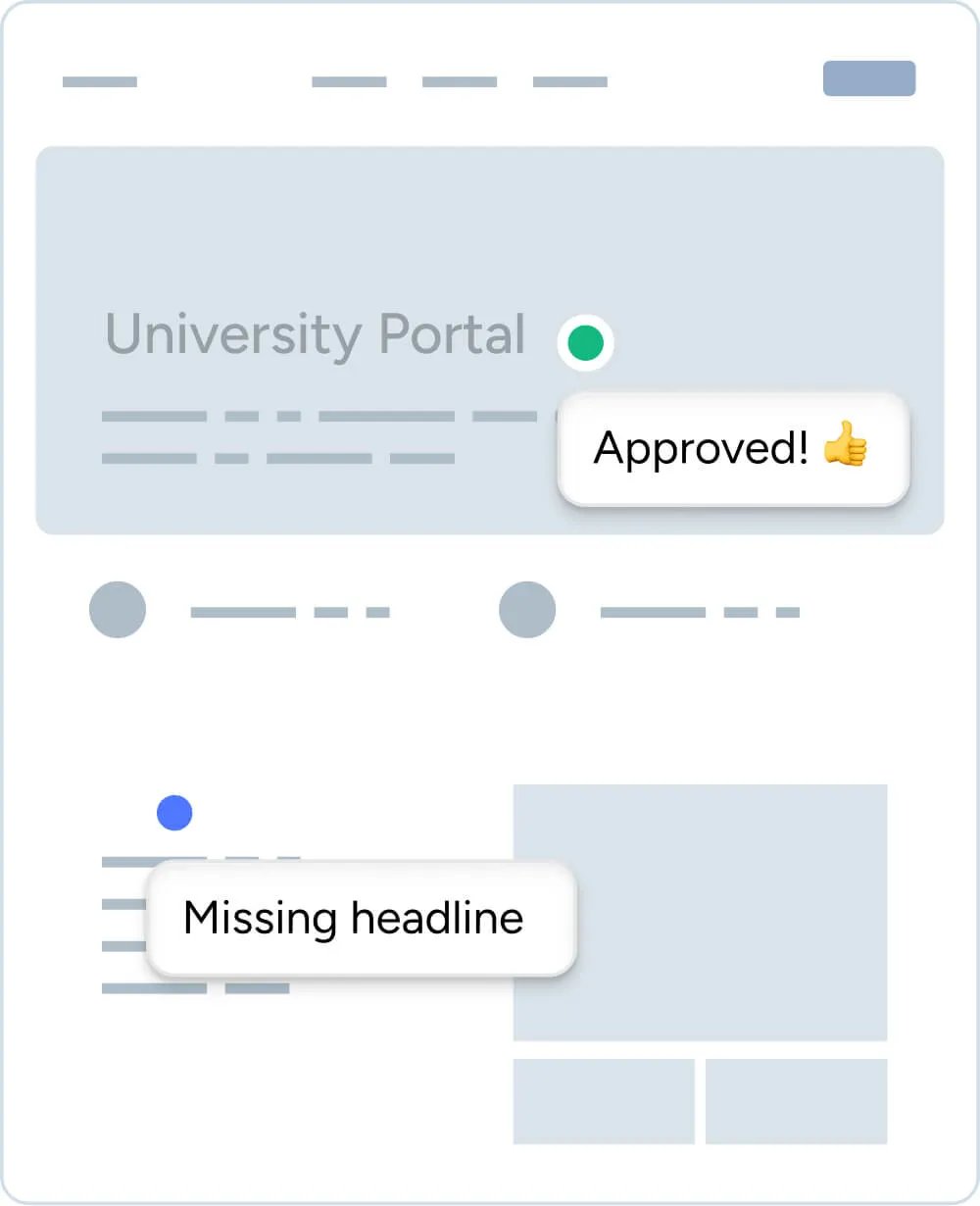
It supports multiple users on the same canvas at once, with real-time updates so everyone sees changes as they happen. Teams can also leave private, team-only comments that stay hidden from clients, which separates internal discussion from client-facing feedback. Mentioning a colleague in a comment draws their attention to a specific issue without a separate message or email.
Guest access has no login requirement, and Pastel allows unlimited guests on any plan. That removes a common friction point where a client has to create an account just to leave one note on a design.
Pastel’s Feedback Deadline System and Automated Workflow Management
Stalled approvals are a familiar problem for any team collecting website feedback, which is why Pastel includes a way to schedule deadlines for feedback. Setting a deadline aligns teams and clients around a shared timeline instead of leaving responses open-ended. On top of that, comments can be paused with a single click, which keeps a team focused on one round of iteration instead of handling scattered notes from multiple versions at once.
Pausing comments also protects a project from feedback arriving after a decision has already been made. That control over when feedback is open or closed gives a project manager a clearer way to manage the pace of review cycles.
AI-Powered Task Automation: Turning Pastel Comments Into Actions
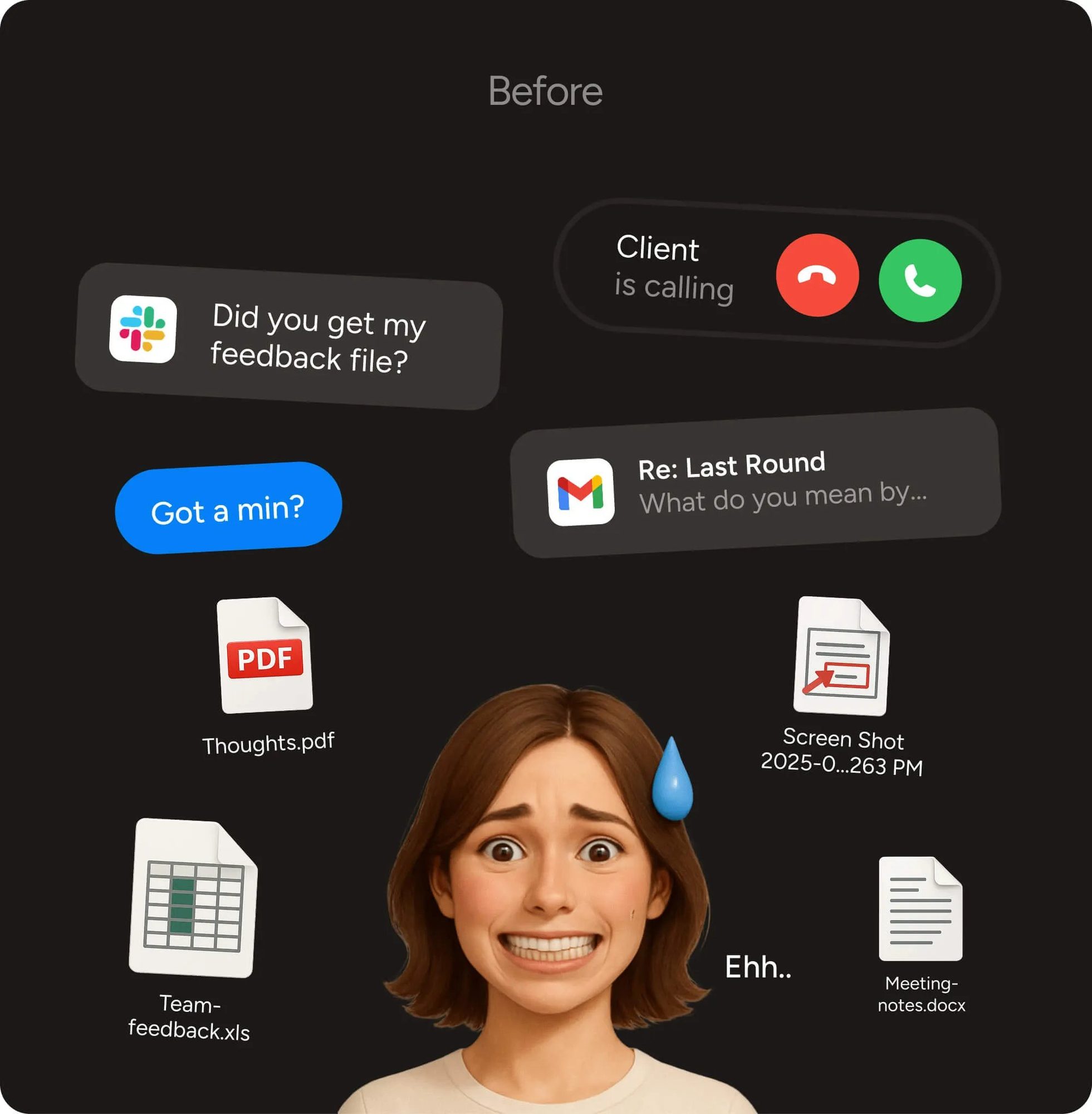
One of The brand’s newer capabilities lets AI agents, including Cursor, Claude, and ChatGPT, act directly on Pastel comments. Instead of a comment sitting in a canvas waiting to be manually reassigned, it can be turned into an action more directly. It also auto-creates tickets in tools like Trello, Asana, and Jira, attaching details such as browser type, screen size, and a precise screenshot to each exported item.
This closes a gap that many visual feedback tools leave open, where feedback collection and task management remain separate systems. By exporting feedback straight into existing project management tools, Pastel keeps the handoff between review and execution inside one continuous process.
Beyond Screenshots: Device Detection and Browser Context in Pastel Feedback
Static screenshots lose context the moment a browser window is resized or a visitor opens a page on a different device. The brand’s annotations record screen resolution and browser type alongside each comment, giving developers information they would otherwise have to ask for separately. It also allows checking whether a website is responsive, directly within the same canvas used for feedback.
That context matters because a layout bug on one screen size may not exist on another. Having device and browser data attached to the comment itself means fewer follow-up questions and less back-and-forth before a fix is even attempted.
- Pastel keeps comments, revisions, and approvals stored in a single organized platform instead of split across inboxes.
- Feedback stays attached to the exact element or moment it refers to, preserving context that a screenshot pasted into an email often loses.
- Clients, designers, developers, and project managers can all view the same canvas, giving every stakeholder the same visibility into a project’s status.
- Comments can be exported directly into tools like Trello, Asana, or Jira, removing the manual step of retyping feedback into a separate task tracker.
- Unlimited guest access means anyone involved in a review can leave input without creating an account or juggling a spreadsheet link.
Closing Thought
Advanced visual feedback tools are less about replacing comments and more about what happens after they are left. Pastel‘s tagging, deadlines, and automation features show how far an approval workflow can move beyond a simple annotated screenshot.