Digital life today runs through dozens of apps, accounts, and networks, and each one creates a new opening for attackers. Choosing the right online security tools means understanding what each layer actually protects against, from a hacked Wi-Fi connection to a leaked password. This article looks at how VPN, antivirus, identity protection, and scam detection work together, and where Surfshark fits into that picture.
What Online Security Tools Do: VPN, Antivirus, and Identity Protection
A complete security setup usually combines several distinct functions rather than relying on one app. A VPN hides a connection and location, an antivirus catches malicious files, and identity protection watches for exposed personal data. Scam detection adds another layer by flagging suspicious messages and fraudulent websites before damage is done.
None of these tools replace one another because they guard against different risks. A VPN cannot stop a virus already on a device, and an antivirus cannot warn about a leaked password on a data broker site. That is why combining several tools into one workflow has become the more common approach for people who want broader coverage.
How Surfshark One Bundles Multiple Security Features

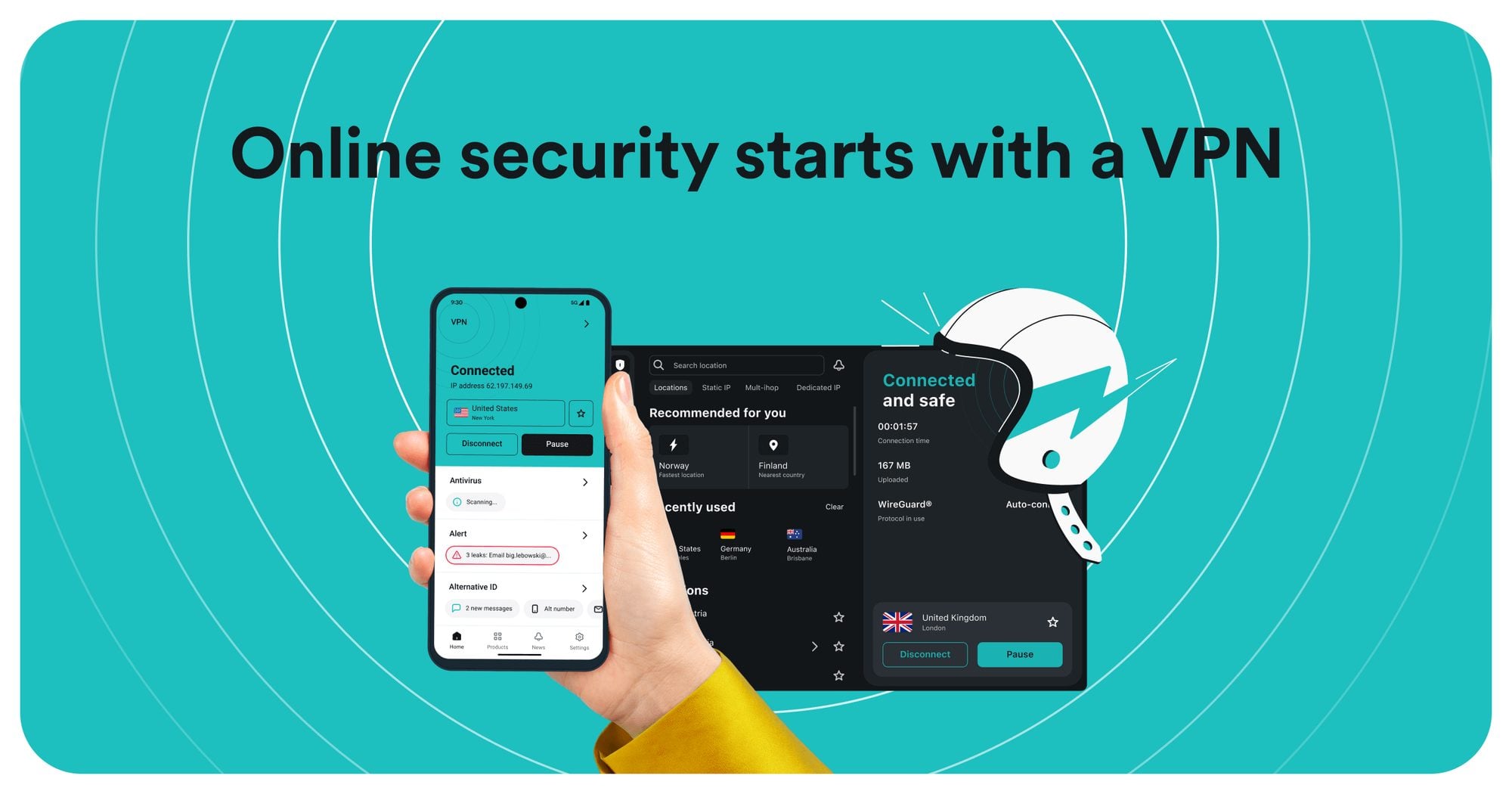
Surfshark One is the brand’s cybersecurity bundle, combining a VPN, antivirus, data leak alerts, and identity tools under a single account. Instead of juggling separate subscriptions and separate apps, the bundle brings secure connection, device protection, scam protection, and identity protection into one interface. The company describes this as one app covering common online security needs.
The appeal of this approach is reduced setup friction. One account can protect an unlimited number of devices, and the apps are built for Windows, macOS, Linux, iOS, Android, smart TVs, consoles, and routers. That range of compatibility matters for households or individuals who move between phones, laptops, and streaming devices throughout the day.
Secure Connection: The VPN Foundation in Surfshark’s Offering
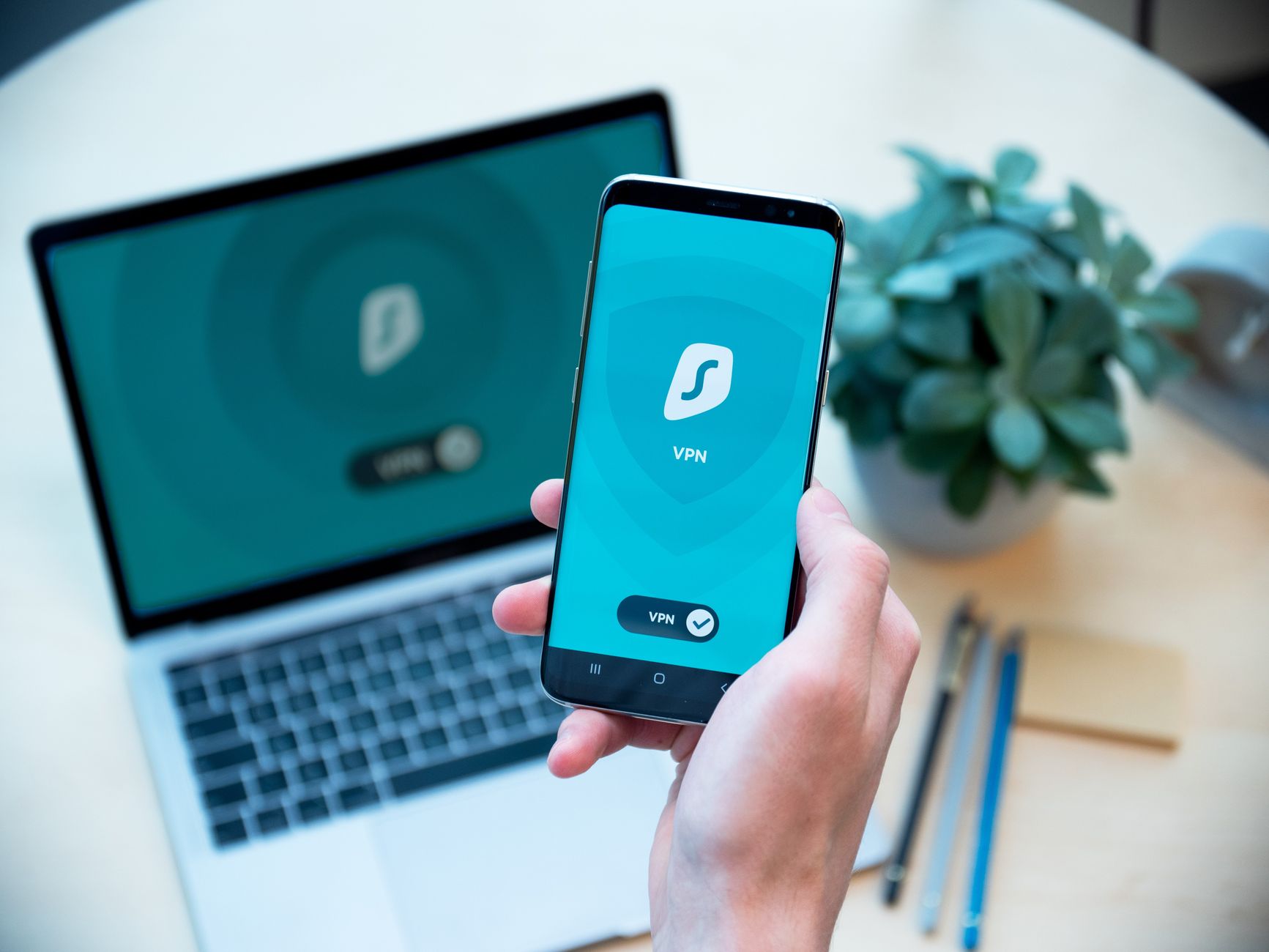
Surfshark VPN forms the base layer of the bundle. It masks the IP address and encrypts internet traffic across more than 4,500 servers in 100 countries, which keeps browsing private even on untrusted networks. Features like a kill switch, DNS leak protection, and double VPN are built in for stronger coverage during everyday browsing.
An independent assurance report has verified the no-logs policy, meaning browsing activity is not tracked, stored, or shared. An included ad blocker also removes trackers and intrusive pop-ups while connected. Together, these pieces address the connection-level risks that sit at the foundation of most online security tools, before any device or identity layer even comes into play.
Threat Detection and Malware Protection with Surfshark Antivirus
Surfshark Antivirus covers the device layer that a VPN alone cannot reach. It scans for malicious software, removes threats that are already present, and keeps a watch on webcam access so it cannot be hijacked quietly. This kind of device protection is described as running continuously, so it does not need to be triggered manually before it catches something.
Because malware can arrive through downloads, email attachments, or compromised websites, having a dedicated antivirus component matters even when a VPN is active. A VPN encrypts traffic in transit, but it does nothing once a harmful file has already landed on a drive. Pairing both tools closes that particular gap in a way neither one manages alone.
Identity and Scam Protection: Alert and Data Breach Monitoring
Identity theft happens when stolen personal data such as card numbers, passwords, or identification details gets used for fraud. Surfshark Alert addresses this by monitoring for data leaks and notifying account holders the moment an email address, ID, or credit card appears in a breach. That early notice gives people a chance to change credentials before the exposed data gets used.
Scam protection works alongside this monitoring by flagging suspicious texts, calls, emails, and phishing websites. Rather than waiting for a breach to be discovered elsewhere, this layer tries to catch the fraud attempt itself as it happens. Together, breach alerts and scam detection form the identity side of a broader online security tools strategy.
Supporting Tools: Surfshark Search and Alternative ID
Beyond the core VPN, antivirus, and alert functions, the bundle includes Alternative ID. This tool creates a new online identity and a proxy email address, which helps shield real personal information and cut down on spam reaching the inbox. It is a narrower tool than the others, but it targets a specific and common annoyance.
- A VPN protects against snooping on public Wi-Fi and hides the real IP address and location.
- Antivirus software protects against malware, ransomware, and spyware that can already be sitting on a device.
- Identity monitoring protects against identity theft by flagging data that surfaces in breaches.
- Scam and phishing detection protects against fraudulent messages and fake websites designed to steal credentials or money.
- An ad and tracker blocker protects against unwanted profiling and some forms of online tracking.
None of these pieces work in isolation, which is the reasoning behind bundling them. A household relying only on antivirus software, for instance, still has no coverage against a leaked password circulating on the dark web. Surfshark positions its bundle as a way to close several of these gaps from a single account rather than through five separate purchases.
Putting the Layers Together
Multi-layered protection is less about any single standout feature and more about coverage across different risk points. A connection can be private, a device can be clean, and an identity can still be exposed if no one is watching for breaches. That is the gap that identity monitoring and scam detection are built to close.
For anyone comparing online security tools rather than buying them piecemeal, the logic of a bundle becomes clearer once the separate risks are mapped out. Secure connections, clean devices, and monitored identities are three different problems, not one. Addressing them together, rather than later and separately, is the practical case for an integrated approach.