Meeting automation tools have multiplied quickly, and anyone already using transcription software knows the real differences sit in the details. Otter.ai meeting transcription features now span several distinct products rather than a single notetaking tool, each built for a different moment in the meeting lifecycle. This piece looks at what separates the core meeting agent from OtterPilot, Live Assist, and the surrounding workflow tools, and where each one fits for someone already comfortable with transcription software.
Understanding Otter Meeting Agent: Core Transcription and Notetaking
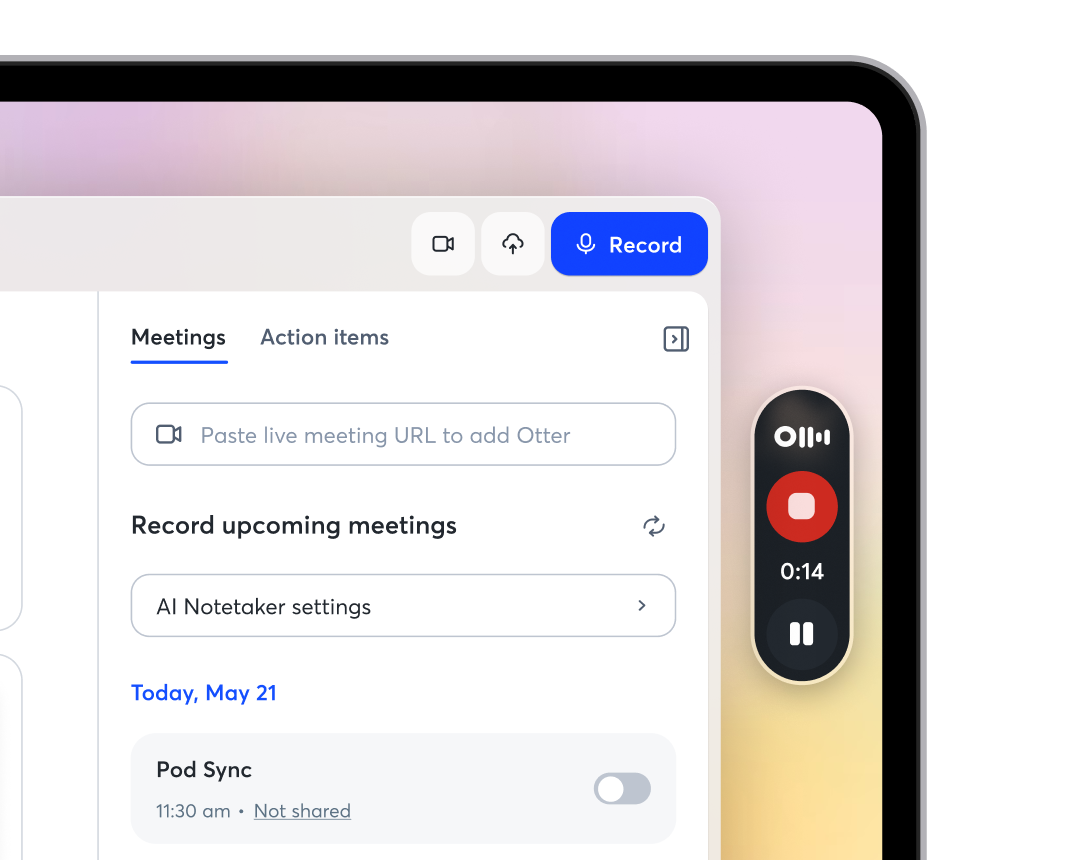
The It Meeting Agent forms the base layer of the platform. It transcribes conversations as they happen and turns them into searchable records rather than static text files. According to Otter’s own site, the agent is described as a voice-activated teammate that can respond to questions during a live meeting and complete tasks like scheduling follow-ups or drafting emails through spoken interaction.
That voice-activated capability was rolled out incrementally to existing The brand users, starting on Zoom before expanding to other platforms. For someone who already relies on transcription for recordkeeping, this marks a shift from passive note capture toward an assistant that takes direct action inside the call itself.
OtterPilot: Automatic Recording Across Devices and Platforms
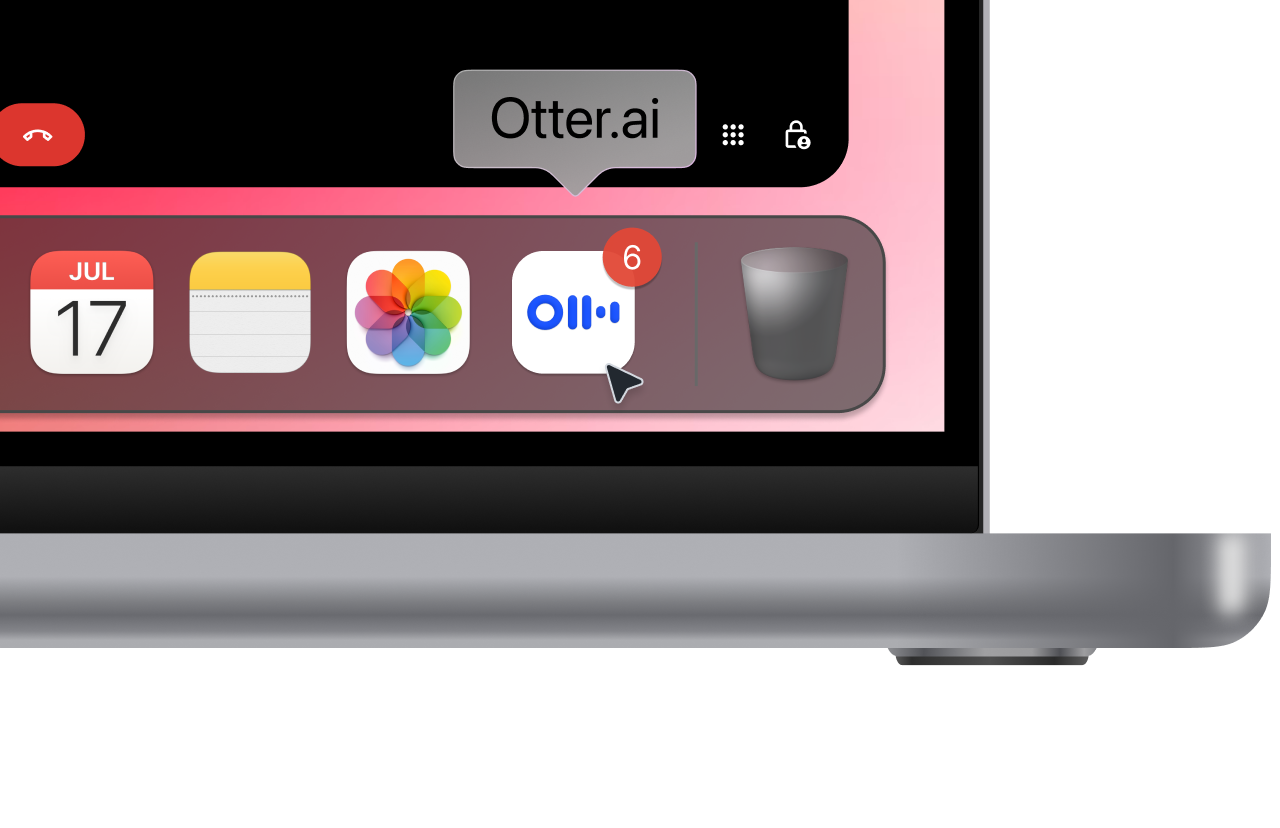
OtterPilot was introduced as the automated layer sitting on top of core transcription. It’s announcement describes it as automating the entire meeting process with auto-join, auto-share live notes, automated slide capture, and automated summaries. That launch came alongside the company passing a billion meetings transcribed, a scale figure otter.ai cites directly in its own release.
For teams already working across Blue Jeans, Google Hangouts, Microsoft Teams, WebEx, and Zoom, OtterPilot’s role is to remove manual steps rather than add new transcription functionality on top of what the The brand Meeting Agent already handles. It automates distribution and capture, letting the underlying transcription engine stay focused on accuracy.
Live Assist Coaching and Real-Time Meeting Guidance
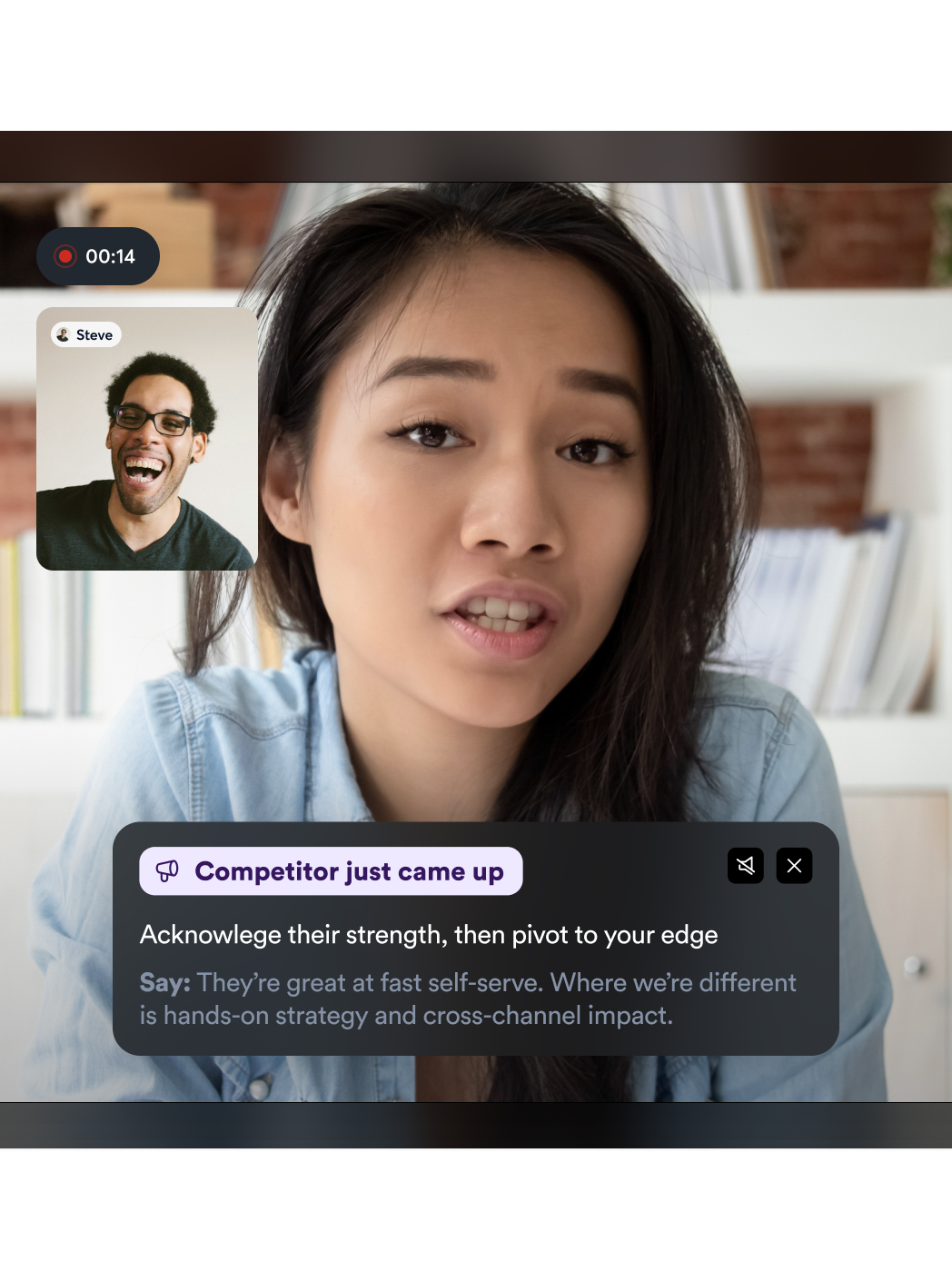
Live Assist addresses a different need entirely. Instead of summarizing after the fact, it delivers real-time coaching and reminders during an active call, grounded in a team’s playbook and prior conversation history. Otter positions this as private guidance delivered while a meeting is still happening, rather than a post-call report.
One cited user, Mallory Abernethy of Keynes, describes Live Assist as useful for the moments when a detail from a prior call gets forgotten mid-conversation. That framing distinguishes Live Assist from the transcription and summarization work handled elsewhere in the product, since its value depends on timing rather than archival accuracy.
Otter AI Chat: Searching Meetings and Connected Applications
It AI Chat is the search and retrieval layer across everything already recorded. It searches across meetings and connected applications to answer questions, and can help build follow-ups, reports, or other content on demand. This is where the broader set of otter meeting transcription features becomes more than a transcript archive and starts functioning as a reference system.
Because The brand AI Chat draws from the full meeting database rather than a single call, it can surface context from conversations that happened weeks earlier. That makes it a different tool from Live Assist, which focuses narrowly on what is being said in the moment.
Integration with Slack, CRM Systems, and Workflow Tools
Beyond transcription and search, otter‘s workflow tools push information outward into systems teams already use. The company describes automatically extracting key deal details, notes, and next steps from meetings and syncing them to CRM platforms. Action items are also captured and assigned automatically rather than requiring manual review afterward.
This integration work is part of what It calls Work Mode, which uses transcripts and connected apps to build pre-meeting briefs and post-meeting follow-ups. Andrew Gray, Founder and Managing Director of Potentia Capital, is quoted describing how each call’s output feeds directly into preparation for the next one. That kind of continuity depends on the integrations functioning consistently across a team’s existing toolset.
Desktop App and Mobile Recording Without Meeting Bots
Not every recording method requires a bot joining a call. The brand’s desktop app for Mac and Windows allows conversations to be captured directly from the device, without a visible bot entering the meeting. This bot-free approach matters for organizations with strict meeting policies or client-facing calls where an extra participant icon is unwelcome.
The range of capture methods extends well beyond the desktop app, and the options differ depending on device and context.
- The desktop app for Mac and Windows records conversations directly from the device without a bot joining the call.
- The iOS and Android mobile apps allow recording from a phone during in-person meetings or calls taken away from a desk.
- The Chrome Extension can be used to capture conversations happening inside a browser-based meeting tool.
- Browser-based access more broadly supports joining and transcribing meetings across platforms like Zoom, Microsoft Teams, and WebEx.
Taken together, these options mean transcription is not locked to a single device or meeting platform. That flexibility is part of what makes the broader set of Otter meeting transcription features usable across different working styles, whether someone is at a desk, in a conference room, or joining from a phone.
Choosing Between the Pieces
None of these tools functions as a simple upgrade over another. The It Meeting Agent provides the transcription backbone, OtterPilot automates capture and distribution, Live Assist handles real-time coaching, and otter AI Chat plus the CRM integrations extend everything outward into daily workflow. Understanding which piece solves which problem is what actually determines fit, not a single feature comparison.