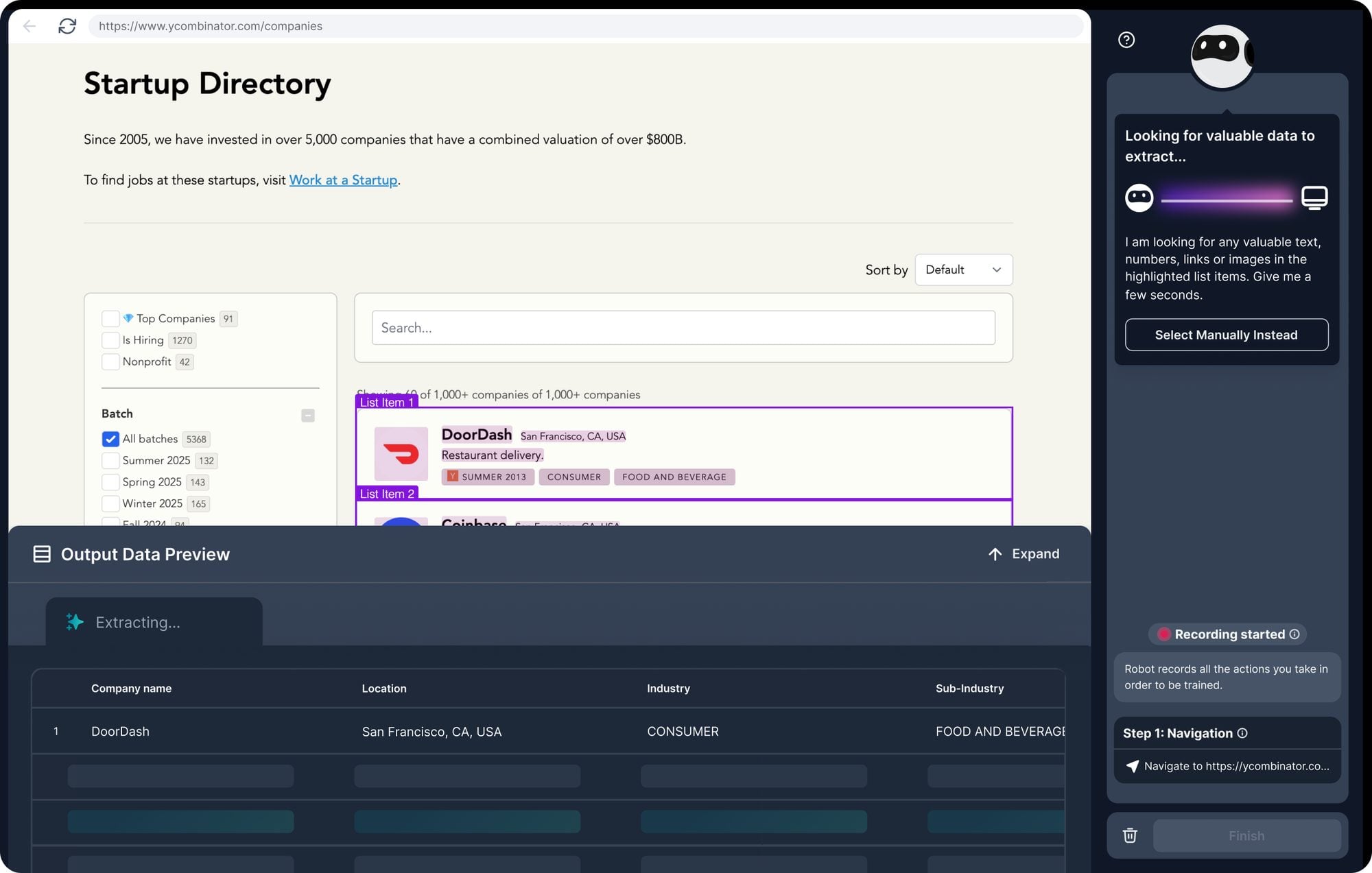
Affordable AI voiceovers usually force a choice between polished narration and a reasonable budget. murf approaches that tradeoff by pairing a no-sign-up entry point with a large voice library. For anyone comparing affordable AI voiceovers for e-learning, marketing, or product videos, that combination is worth examining.
Getting Started with Murf Studio’s Free Access
murf Studio opens directly into the voiceover editor without requiring account setup first. New accounts receive a set amount of voiceover minutes and transcription time to test how the tool handles a script. That allowance shows whether the voice quality fits a project before any payment details enter the picture.
Because free access covers both voiceover generation and transcription, it offers a fuller picture of murf than a single demo clip would. Educators, students, and individuals working at non-profit organizations receive a discount on subscription plans, and this group is named separately from Murf’s enterprise clients. That distinction shows the platform serves both large companies and smaller, budget-conscious users.
Exploring 200+ AI Voices Across Languages and Accents
The voice library spans over 200 voices, covering a mix of genders, accents, and ages. Creators working on product videos can match a voice to a specific tone, whether that means a formal narrator or a conversational delivery. The range also extends across more than 35 languages, which matters for teams producing localized content without rerecording from scratch.
This breadth is part of what makes the service relevant to anyone weighing affordable AI voiceovers across different markets. A single script can be voiced in multiple accents without hiring separate talent for each region. For teams producing e-learning material in English (US), English (UK), English (India), or Hindi, among other options, that range removes a layer of logistical work.
Text-to-Speech Features for E-Learning, Product Demos, and Content Creation
Text-to-speech tools are built around specific use cases rather than one generic output. E-learning narration can highlight key concepts and direct a learner’s attention through pacing and emphasis. Product demo voiceovers lean on tone and pacing that match a script’s pitch without diluting the video’s overall quality.
Podcasts, advertisements, and multimedia presentations are also listed among the formats the Studio supports. This versatility is one reason affordable AI voiceovers come up often in discussions among small teams juggling multiple content types. A single subscription can, in principle, cover narration needs across very different projects.
- New sign-ups gain immediate access to the Studio editor along with a set number of free voiceover minutes.
- A separate allotment of free transcription time is included for converting existing audio into text.
- Access to the voice library lets new users sample multiple accents and languages before choosing a plan.
- Basic editing tools, including script blocks and timeline arrangement, are available from the first project onward.
Customization Without Extra Cost: Pitch, Speed, Emphasis, and Pronunciation

Inside the Studio, voice settings such as pitch, speed, and emphasis can be adjusted at the block or sub-block level. A block represents a paragraph in the script editor, and each one can hold several sub-blocks representing individual sentences. This structure allows fine-tuning of one sentence without resetting the tone of an entire script.
Pronunciation adjustments are also available, which matters for scripts containing brand names, technical terms, or less common words. Blocks can be merged, split, or rearranged as a project develops, giving flexibility in how a narration gets organized. None of these adjustment tools require moving beyond free access to use.
When to Upgrade to Paid Plans for Downloads and Pro Voices

Free access is useful for testing, but exporting a finished voiceover file requires a paid plan. That marks a natural point where production shifts from experimentation to actual publishing. Subscription plans also unlock a wider pool of voices beyond what free access offers.
For teams scaling past occasional use, paid access to murf brings broader voice selection and export options suited to regular production schedules. This is where affordable AI voiceovers shift from a trial exercise into a recurring part of a content workflow. That shift tends to coincide with projects needing multiple finished files on a regular basis.
Building Voiceovers at Scale with Murf’s API Integration

Beyond the Studio interface, murf offers voice APIs for developers who need to generate narration programmatically. This integration has been cited by business users as a way to streamline production across larger volumes of audio content. Air France’s project team, for example, noted that API integration helped optimize its production process for audio content.
Voices from the platform also extend into Windows applications through a plugin compatible with Microsoft SAPI, letting narration sync with presentation software like PowerPoint. For teams managing audio across many articles or videos, this kind of integration reduces the manual work of exporting and reimporting files one at a time. It positions the service as a tool for ongoing production, not just one-off projects.
Across free access, paid plans, and developer tools, the range points toward more accessible voice production for varied budgets.