Anyone who has set up a scraper before knows the usual choices: a desktop tool that breaks on the first layout change, or a developer framework that demands constant upkeep. AI-powered web scraping changes that calculus by putting an AI agent between the request and the result, instead of a brittle set of selectors. browse AI is one of the platforms built entirely around that shift, and it is worth looking at where its architecture actually diverges from the tools scraping practitioners already know.
Cloud-Based AI Agents vs Desktop Scrapers: The Architecture Shift
Desktop scrapers run on a local machine, which means the scraping stops the moment a laptop closes or a script crashes. Browse AI instead runs its agents in the cloud, so extraction and monitoring continue on a schedule without anyone keeping a machine awake. That alone removes a category of failure that desktop-based tools never solved.
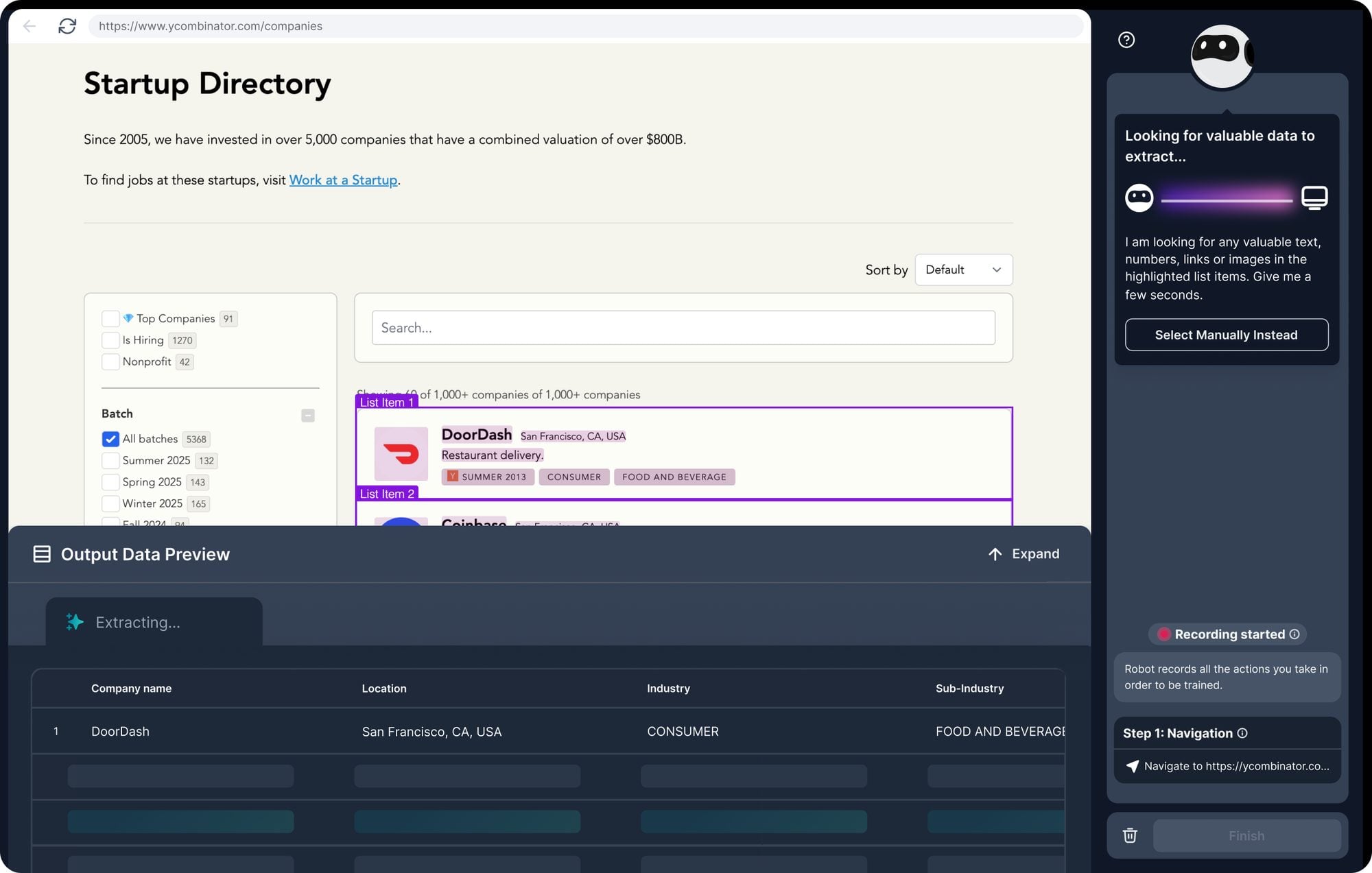
There is also a practical speed difference. Cloud agents can be trained by pointing at a live page and reviewing the columns the agent proposes, rather than configuring a local environment first. For teams used to installing drivers, headless browsers, and dependency chains, this is a meaningfully different starting point.
Browse AI’s No-Code Extraction vs Developer Frameworks Like Zyte and Scrapy
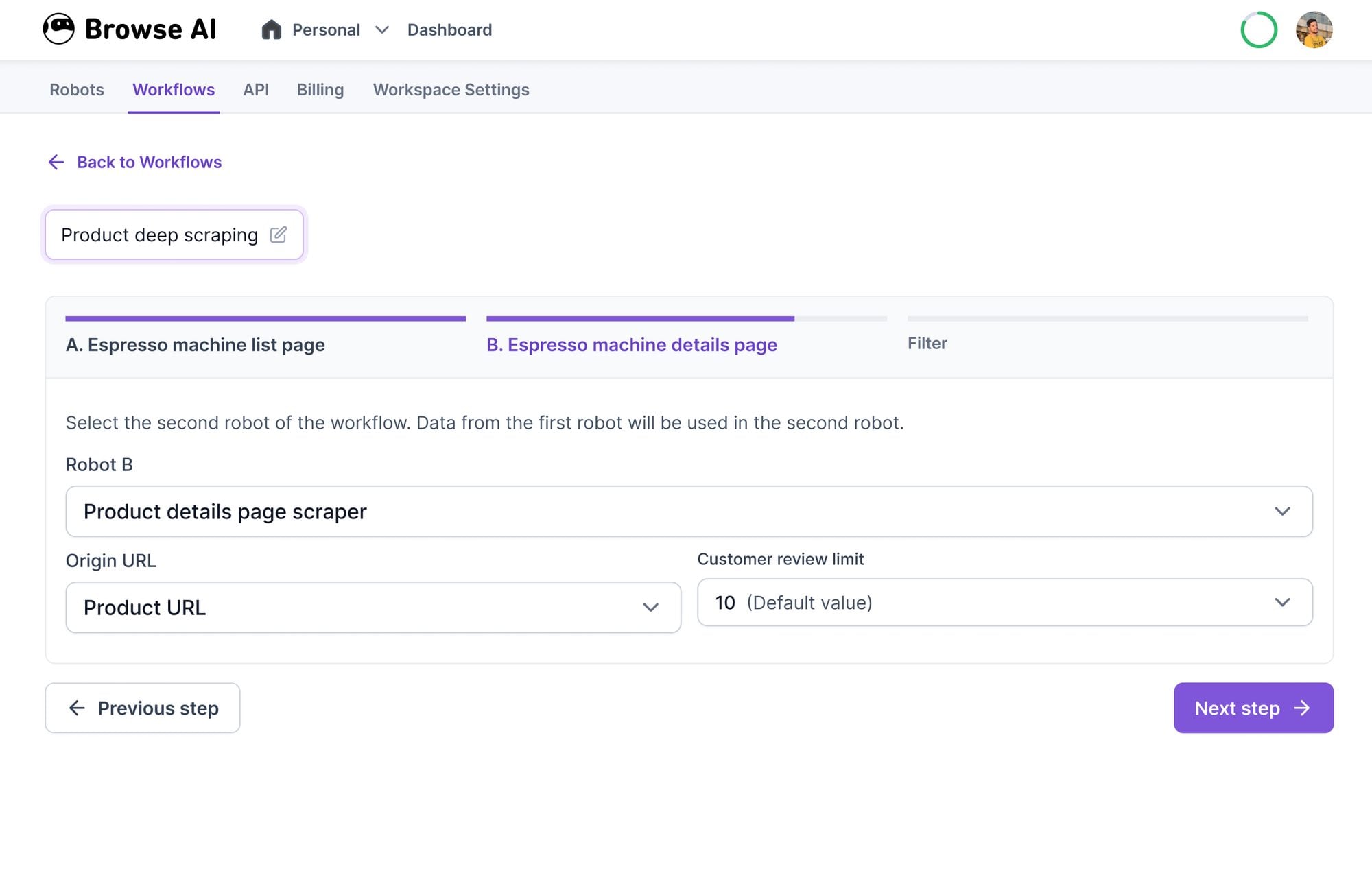
Frameworks such as Scrapy give developers full control over requests, parsing logic, and output formatting, but every line of that control has to be written and maintained. Zyte and similar infrastructure providers reduce some of that burden with managed crawling, yet still expect someone to write parsers for each site. browse AI replaces that step with a trained agent that reads the page structure itself, so no one has to write or maintain a parser by hand.
That no-code approach does not mean less capability. The platform can capture product and pricing data, directory and listing results with pagination or infinite scroll, and content fields like headlines, authors, and dates. It can also reach data that only appears after a click, a form fill, a dropdown choice, or a login, which is normally where hand-written scripts get complicated fast.
Automatic Adaptation When Websites Change: How Browse AI Handles Site Redesigns
Every scraper, no matter how it is built, eventually meets a website redesign. Traditional selector-based scripts break the moment a class name or page layout shifts, and someone has to notice the failure before fixing it. browse AI is built to monitor for those website changes and alert when something shifts, while the AI agent adapts so the underlying extraction does not simply stop working.
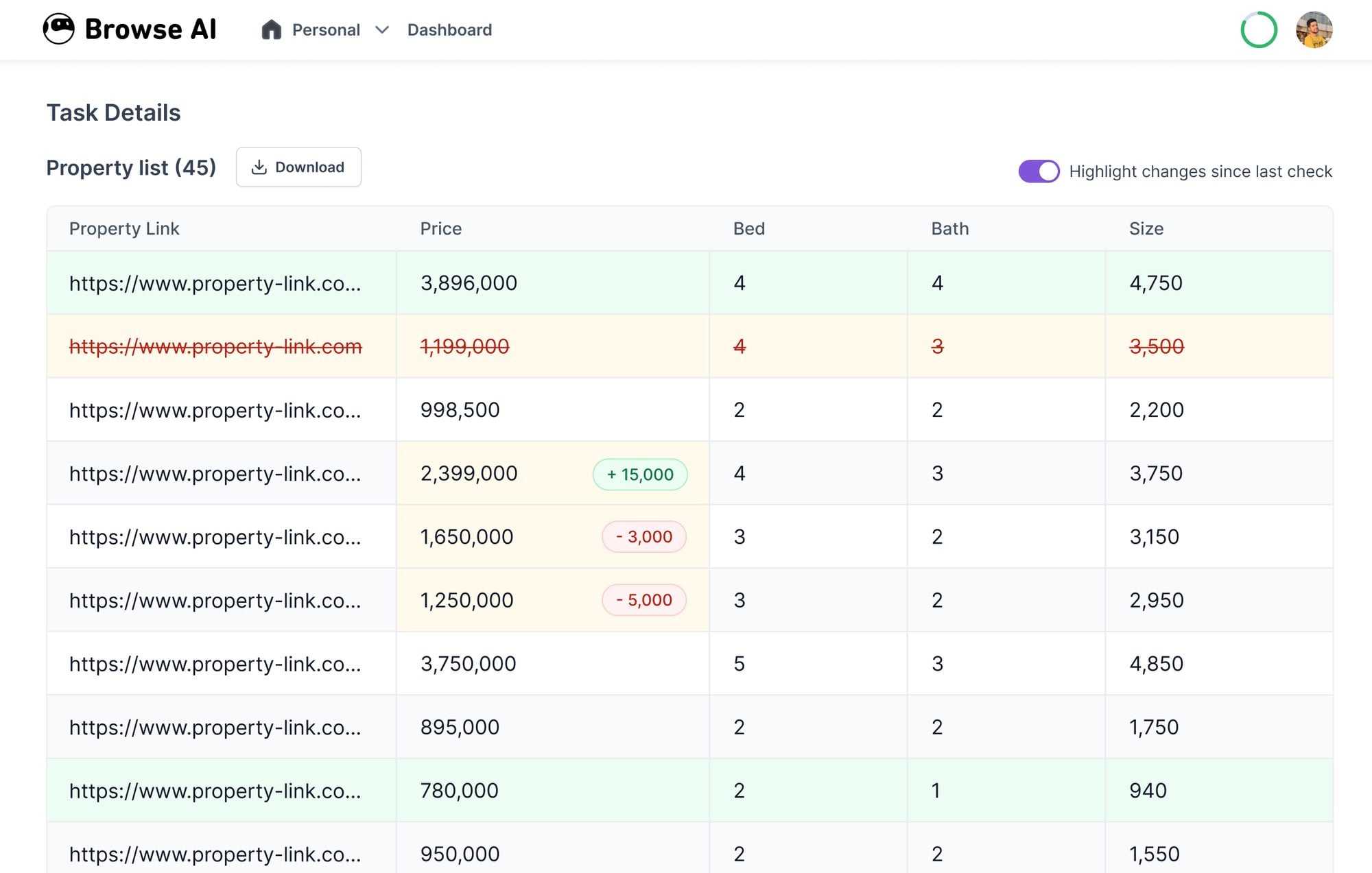
This matters most for anyone running extraction on a recurring schedule rather than as a one-off job. A product catalog monitor, for example, can keep checking daily and flag a new item or a stock change without a human rewriting the configuration each time the source site updates its template.
Selector-Based Recipes vs Natural Data Recognition: Browse AI Against Hexomatic
Automation platforms like Hexomatic also offer no-code data collection, often through prebuilt recipes tied to specific selectors on specific sites. That approach works until the target page changes its markup, at which point the recipe needs manual correction. Browse AI’s agent is trained by demonstration on the actual page, reading what a person points at rather than depending on a fixed selector pattern underneath.
The practical difference shows up in maintenance burden. A recipe-based tool tends to require periodic review across many sites, while an agent trained once on a page’s structure is designed to keep recognizing the same data fields as the layout shifts around them. For anyone scraping dozens of sources at once, that difference compounds quickly.
Anti-Bot Systems and Scaling: Browse AI’s Built-In Handling vs External Proxy Networks
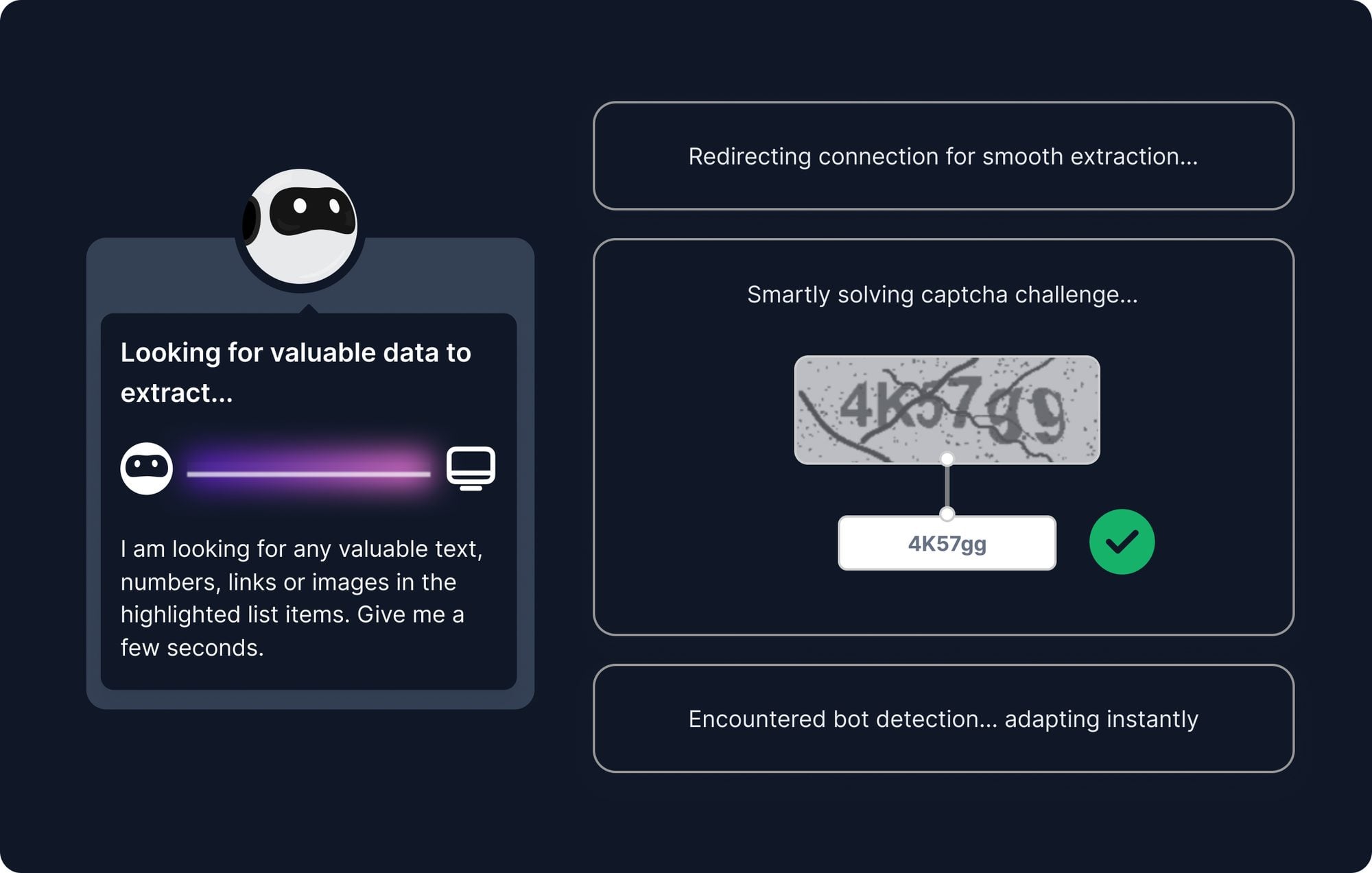
Scraping at any real volume runs into anti-bot defenses, rate limits, and IP blocks, which is why many developer stacks bolt on separate proxy networks and retry logic. browse AI folds that handling into the platform itself, with dynamic content capture, built-in bot evasion, proxy management, automatic retries, and rate limiting included rather than assembled from third-party services. Human behavior emulation and geo-based data extraction are part of the same built-in design.
This reduces the number of moving parts a team has to manage. Instead of wiring together a scraping script, a separate proxy provider, and a retry layer, the AI-powered web scraping pipeline handles those concerns as one system built, according to the platform, for limitless scale.
- Reliability leans toward automatic adaptation in Browse AI’s approach, versus manual fixes when selectors break in traditional frameworks.
- Maintenance burden shifts from ongoing developer time in code-based tools to agent retraining only when a page’s data genuinely changes in Browse AI.
- Speed to first data favors no-code training, with a first agent reportedly set up in about two minutes, compared with writing and testing a custom script.
- Integration depth differs too, since Browse AI connects to over 9,000 apps alongside API and webhook export, where many developer frameworks leave integration entirely to custom code.
Deep Scraping and Workflow Automation: Monitoring, Integration, and Real-Time Alerts
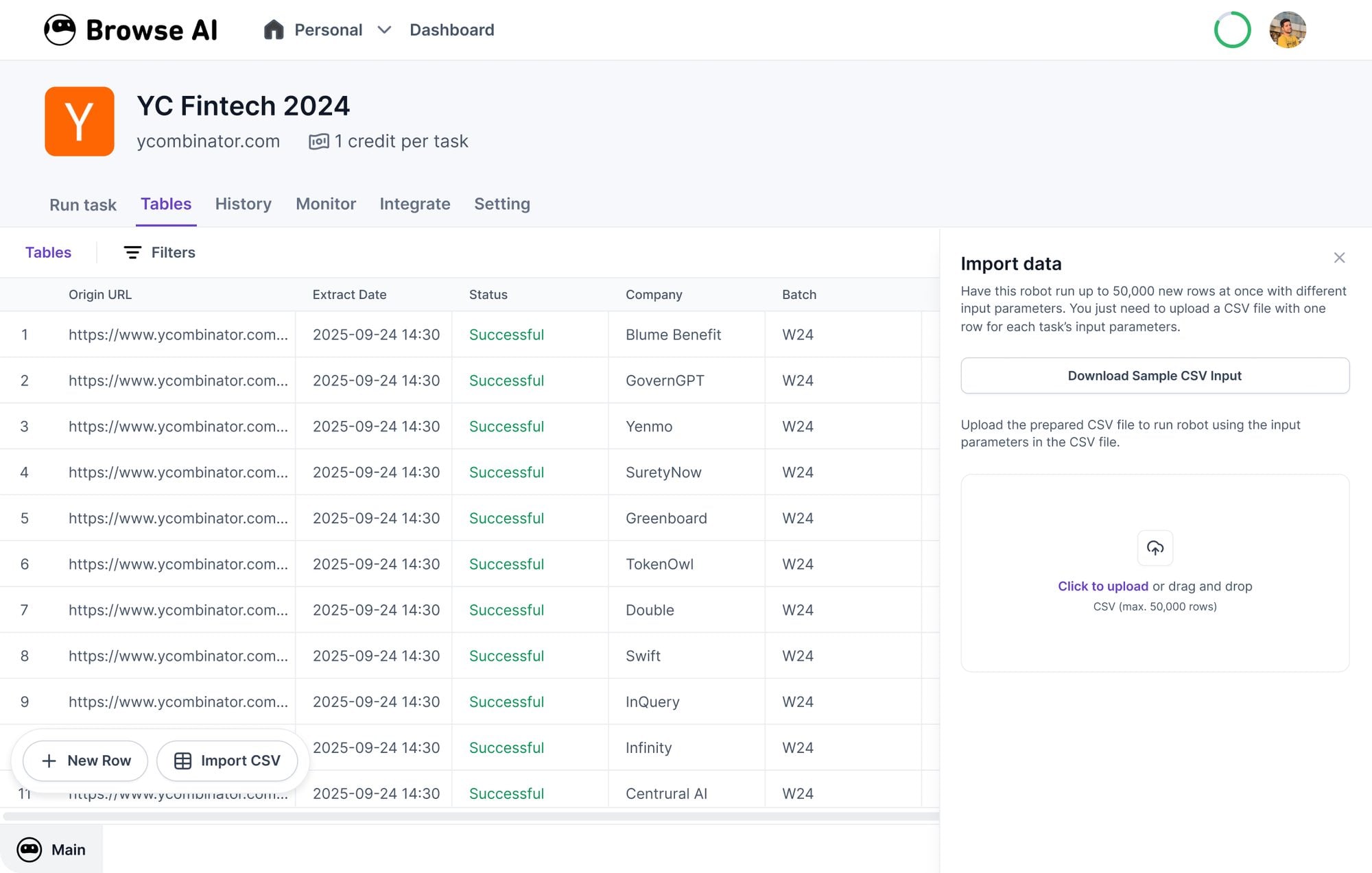
Beyond single-page extraction, browse AI supports deep scraping across pages and subpages, chained together with workflows and automations rather than one script per page. Export options include CSV and JSON downloads, or a direct sync to Excel, Google Sheets, or Airtable, which turns a one-time scrape into a spreadsheet that updates on its own schedule. Data can also be delivered as an API or webhook, which developer teams can call and schedule the same way they would any other endpoint.
For businesses that prefer not to manage the pipeline themselves, the same underlying technology is available as a managed web scraping service, with a dedicated account team handling setup, monitoring, and ongoing delivery. That combination of self-serve robots and a managed service option is where the no-code and developer worlds actually meet. It gives teams a path from a quick manual export to a fully automated, monitored data pipeline without switching platforms.
Closing Thought
The core trade-off is clear: traditional scraping offers granular control at the cost of upkeep, while AI-powered web scraping trades some of that control for resilience against change. Which one fits depends less on scale and more on how much maintenance a team is willing to own.