Printing an object in several colors has traditionally meant swapping filament mid-print or paying for separate post-processing work. flashforge builds several printer lines around multi-color 3D printing, each with a different approach to color and material switching. That range spans toolhead-based FDM machines and a full-color resin printer, so the method varies by product.
What Multi-Color 3D Printing Enables
At its core, multi-color 3D printing lets a single machine combine shades, materials, or both inside one print job, replacing manual filament swaps with built-in toolhead or jetting switches. That matters for branded prototypes and educational models that need clear visual separation between parts. Instead of painting a finished print, the color gets built into the object layer by layer.
This also opens multi-material combinations, such as pairing a rigid structural filament with a softer accent material in the same part. For hobbyists and small studios alike, that removes a step that used to require a separate workshop process. The result is a more direct path from digital file to finished, colored object.
The Creator 5 and Creator 5 Pro: Four-Toolhead Architecture
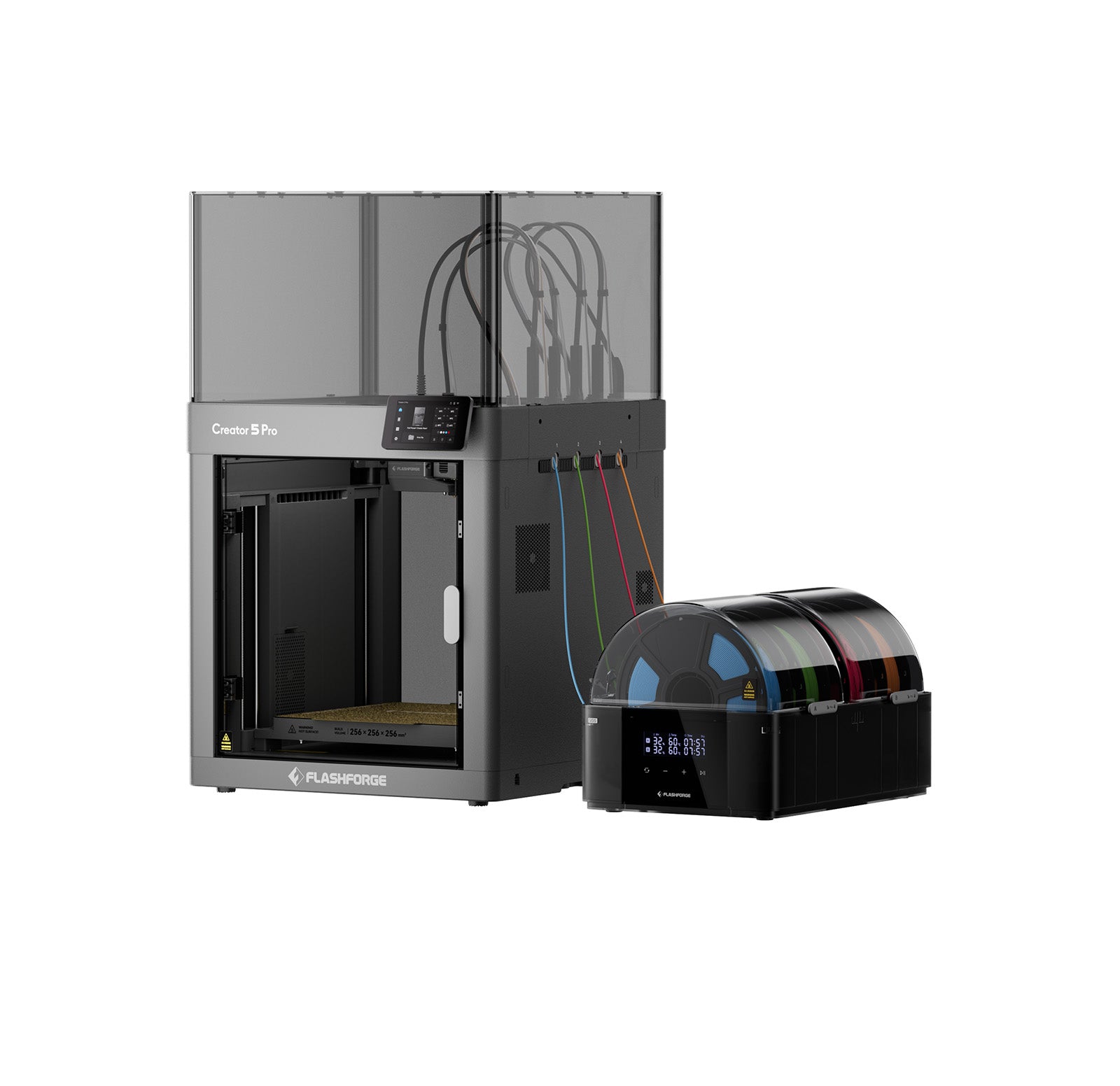
Flashforge’s Creator 5 and Creator 5 Pro are built around four independent toolheads, which is the mechanical basis for their multi-color and multi-material claims. Having four separate heads means the printer can switch between materials without relying on a single nozzle to purge and reload repeatedly. Flashforge markets this setup as enabling up to 500% faster multi-color printing compared to single-extruder workflows.
The Creator 5 Pro adds an enclosed, heated chamber that reaches 65°C, intended for materials that benefit from a stable thermal environment. Both machines share the four-toolhead design, but the Pro variant is built for enclosed, temperature-sensitive work. Print speed on both models reaches 600 mm/s, a figure listed for high-speed performance generally, not specifically for multi-color jobs.
The AD5X: High-Speed Multi-Color Performance
The AD5X is flashforge‘s other multicolor option, positioned as a high-speed printer for enthusiasts, professionals, and educators. Unlike the four-toolhead Creator 5 series, the AD5X is built around its own multicolor mechanism aimed at full-color printing results. It is described as delivering precision, speed, and reliability for advanced 3D printing work.
Because the AD5X targets a different user base than the Creator 5 Pro, it fills a role alongside rather than in place of the four-toolhead machines. It also sells a dedicated 4-in-1 Out PTFE Tube Kit for the AD5X, which points to accessory support built specifically around its material-handling needs. That kind of accessory availability suggests an established, maintained product line rather than a one-off release.
Zero Purge Waste and Automatic Calibration
One of the specific claims flashforge makes about the Creator 5 and Creator 5 Pro is zero purge waste during multi-color printing. In traditional single-extruder, multi-material setups, a printer typically purges leftover filament every time it swaps colors, which wastes material and adds print time. The four-toolhead design is positioned to avoid that purge cycle altogether, since each toolhead stays loaded with its own material.
Both the Creator 5 and the Creator 5 Pro also include fully automatic calibration and leveling, which Flashforge pairs with what it calls smart compensation for print quality. That combination is meant to reduce manual setup before a multi-material job begins. As a result, switching between projects that use different materials does not require re-leveling the bed each time.
Real-World Applications for Multi-Material Prints
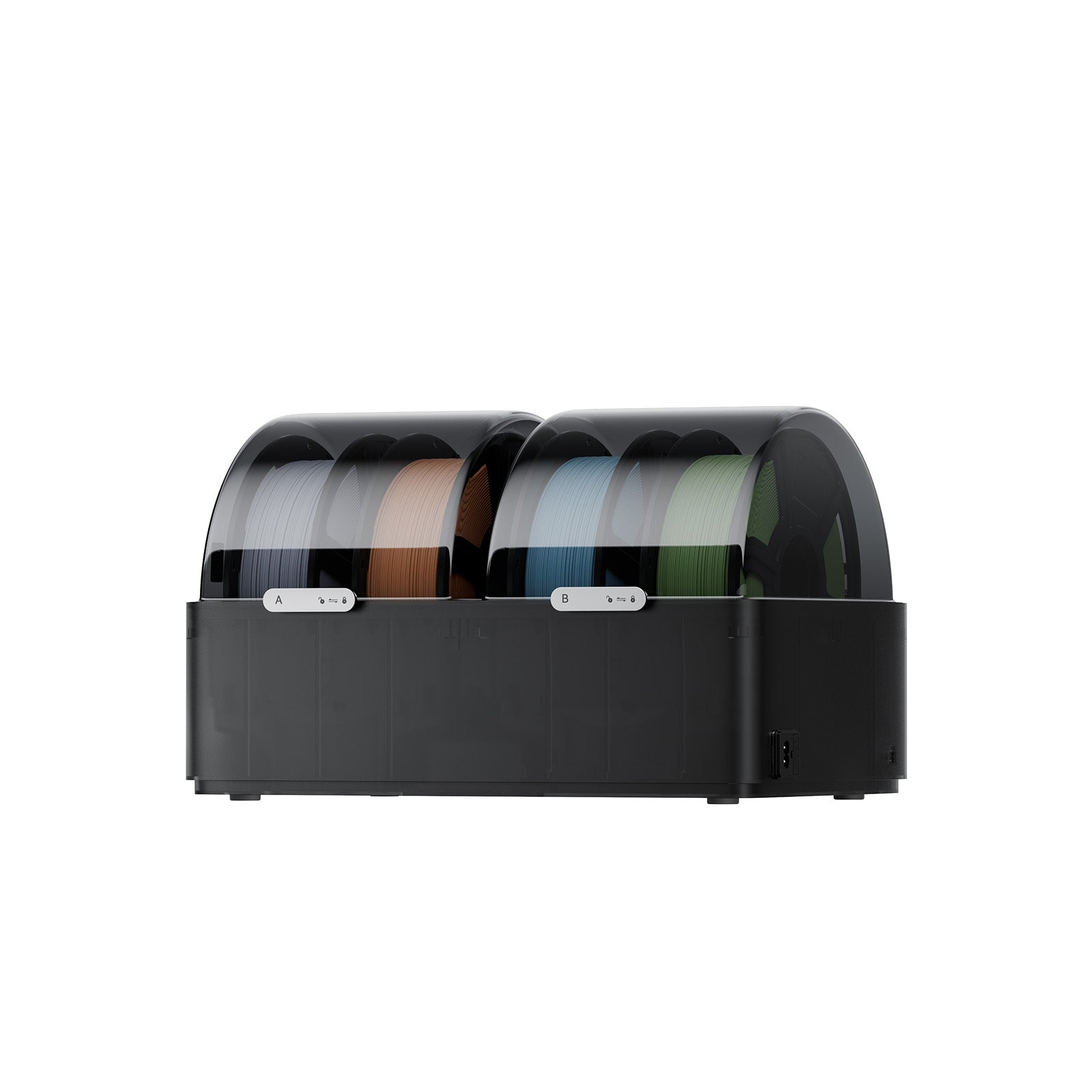
Multi-material capability inside a single print job extends into functional parts that combine rigid and flexible sections, not just simple color changes. A single enclosure might need both a rigid shell and a soft gasket, something that previously required assembling separate printed parts. Multi-color 3D printing, when paired with multi-material capability, lets designers build that kind of part as one continuous job, while the AD5X covers full-color results for parts where material mixing matters less than shade accuracy.
Educational and prototyping settings benefit from the same approach, since color-coded parts make it easier to explain how a design works without added labeling. flashforge frames both the Creator 5 and Creator 5 Pro as capable of this kind of multi-material work in a single print. That capability sits alongside the printers’ standard single-material use, rather than replacing it.
- Switching colors or materials inside a single print removes the need for manual filament swaps mid-job.
- Zero purge waste designs keep unused filament out of the trash instead of ejecting it during every color change.
- Four independent toolheads let a single print combine structural and accent materials without separate assembly steps.
- Automatic calibration and leveling reduce setup time between projects that use different materials or colors.
- Faster multi-color print speeds, up to 500% according to the brand’s own figures, shorten turnaround for color-heavy designs.
- Dedicated accessories, such as the AD5X’s PTFE tube kit, support ongoing multi-material operation rather than one-time use.
Transitioning to Multi-Color Production
Moving from single-color printing to a multi-color workflow usually means reconsidering both hardware and design habits. A four-toolhead machine like the Creator 5 or Creator 5 Pro changes how a model file gets prepared, since color and material assignments need to be built into the design before printing starts. That shift rewards planning multi-material parts from the beginning rather than retrofitting color onto an existing single-material file.
flashforge‘s product lineup, which also includes the Adventurer 5M and the full-color CJ270, shows a spread of approaches to color and material handling across different technologies. Picking between them depends on whether the priority is FDM-style multi-material toolhead printing or a full-color resin process like the CJ270 offers. Either way, in-print color is becoming a standard feature across desktop 3D printing rather than a specialty add-on.
Looking Ahead for Color-Capable Desktop Printing
Multi-color 3D printing is steadily moving from a niche feature into a standard expectation for desktop machines. As toolhead and material-handling designs mature, the gap between prototyping color and production color keeps narrowing.