
Parent-teacher communication tools have changed how families follow a school day as it happens. Instead of waiting for a printed newsletter or a once-a-term meeting, families can see classroom updates soon after a teacher posts them. classdojo brings messaging, photo sharing, and event reminders into one place, and the app is used in 95% of US schools.
How ClassDojo Messaging Connects Teachers and Families Instantly
Messaging sits at the center of how the platform supports daily contact between home and school. Teachers can send a quick note about a missed assignment or a behavior update, and families can reply without waiting for a scheduled conference. Because the messages live inside a single thread, there is no need to dig through email folders or text chains to find an earlier conversation.
For middle and high school classrooms, classdojo also offers teacher-student messaging in eligible rostered schools. These conversations stay inside a school-controlled channel rather than on a personal phone number. That structure keeps communication contained to a single, traceable space that administrators can oversee.
Sharing Classroom Moments Through ClassDojo Stories
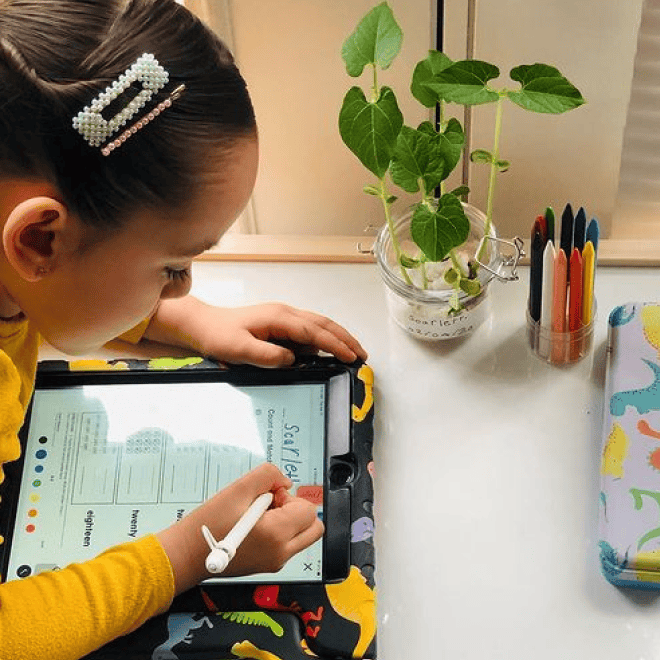
Stories give teachers a way to post photos, videos, and short updates to a private class feed. A parent who cannot step inside the classroom still gets a sense of what the day looked like, from a science experiment to a group project. The feature turns an otherwise invisible school day into something families can actually see.
Teachers can also post a single Story across multiple classes at once, which saves time when the same update applies to more than one group of students. Canva is built directly into the app, so teachers can design newsletters and class updates without switching between separate tools. That keeps the creative work and the sharing in the same workflow.
Keeping Parents Informed with ClassDojo Events and Reminders
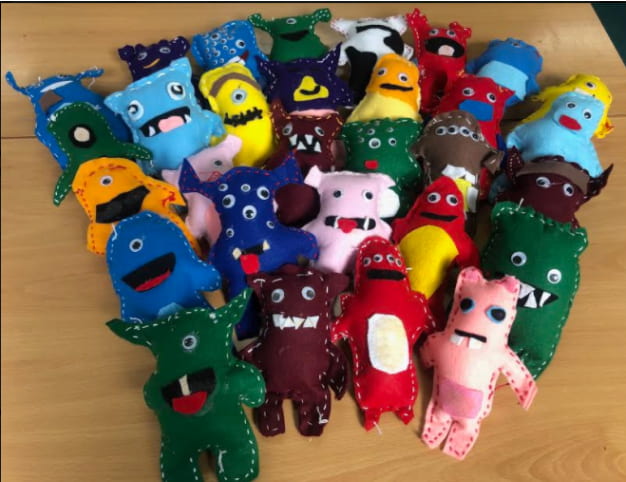
Beyond day-to-day updates, the app includes a calendar feature for Events. Teachers add field trips, deadlines, and classroom activities, and automatic reminders keep those dates from getting lost. This removes the guesswork of remembering which forms are due or when a half-day schedule applies.
Because reminders are automatic, there is less reliance on families checking a physical calendar sent home in a backpack. classdojo allows a parent managing more than one child’s schedule to see classroom events alongside messages and Stories in a single app. That combination is part of what makes the tool function as a hub rather than a single-purpose app.
Breaking Language Barriers with Automatic Translation
One of the more distinctive features of effective parent-teacher communication is automatic message translation, which the platform enables across more than 190 languages. A teacher can type a note in English, and a family member reading it in Spanish, Arabic, or Vietnamese sees it in their own language without needing a separate translation app. Language should not be the reason a family misses an update, and this feature directly addresses that gap.
Teachers have described this as one of the more meaningful parts of the app, particularly when a classroom includes families who speak a language different from the one used at school. Multilingual support like this extends the reach of a message far beyond what a printed note could achieve, and it works for notes, Story captions, and Event descriptions alike. Translation happens automatically, without extra steps on either side of the conversation.
Building Trust Through Transparent Classroom Communication
Trust between a school and a family often depends on consistent, visible contact rather than occasional updates. Frequent messages, Stories, and Event reminders give families a steady view of the classroom instead of a single formal report once in a while, and that ongoing visibility is what separates a living parent-teacher communication channel from a one-way bulletin board families only glance at occasionally.
Consistency in how often a classroom shares updates, rather than any single feature on its own, is what turns an app into a channel families check regularly. The list below summarizes the core features that support this kind of day-to-day connection.
- Messaging lets teachers and families exchange notes directly, with conversations automatically translated into more than 190 languages.
- Stories let teachers share photos, videos, and written updates on a private, secure class feed.
- Multi-class Story posting allows one update to reach several classes at once instead of being copied and pasted repeatedly.
- Events on the shared calendar come with automatic reminders so families do not have to track dates manually.
- Teacher-student messaging in eligible rostered schools keeps middle and high school conversations inside a school-controlled channel.
The Role of ClassDojo Portfolios in Parent-Child Learning Conversations
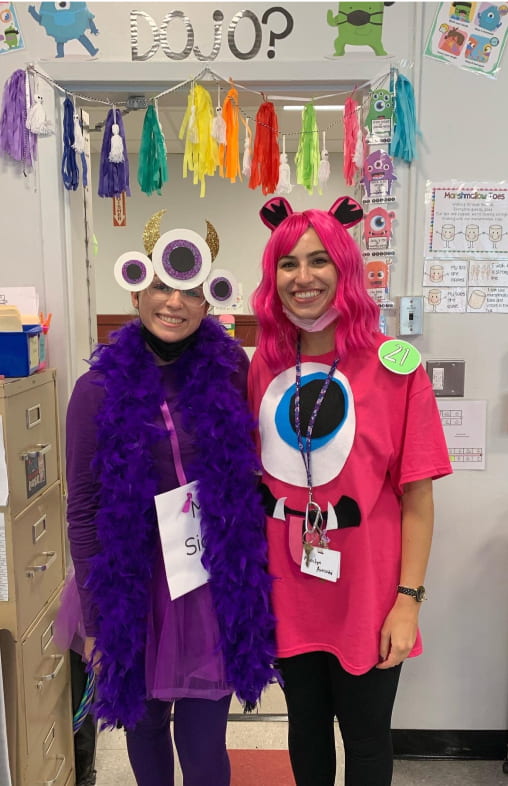
Portfolios give students a space to add their own work, from writing samples to photos of a finished project. Where Stories are posted by a teacher about the whole class, Portfolios are built by each student around individual pieces of work. That difference matters because a parent can ask about one specific drawing, essay, or video rather than only seeing a general classroom moment shared to everyone.
Teachers have also described using Portfolios alongside Points and Big Ideas to support social-emotional learning, giving students a voice in how their own progress gets shared. classdojo enables families to start a conversation about school from a piece of work the child chose to add, rather than only hearing a recap written by someone else. That structure gives the child a direct role in the communication between home and school instead of leaving it entirely to the adults.
These communication channels move the conversation about school from an occasional summary to an ongoing exchange shaped by messages, images, and a child’s own work.