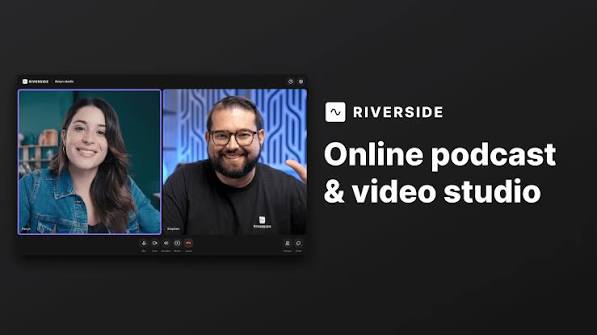
Recording a podcast or video conversation once meant juggling microphones, separate software for capturing and editing, and a long list of export steps before anything reached an audience. Browser-based podcast recording changes that setup by moving the entire process online, and Riverside has built its platform around that idea. The sections below walk through how it handles capture, editing, repurposing, and distribution inside one browser tab.
An Online Studio for Podcasts, Interviews, and Live Streams
Riverside operates as an online studio that opens directly in a browser, with no software download required for hosts or guests. A host creates a studio, invites participants with a link, and recording begins once everyone joins. Because the entire session runs through the browser, browser-based podcast recording removes much of the technical setup that used to precede a conversation.
The platform supports podcasts, interviews, webinars, and live streams from the same interface. It positions itself as an end-to-end flow, meaning recording, editing, repurposing, and distribution all happen without switching platforms. That continuity is what separates browser-based podcast recording from a simple video call tool.
Local Recording and Separate Audio Tracks in Riverside
Unlike platforms that stream straight to the cloud, Riverside saves recordings locally on each participant’s device first. This local-first approach helps protect recording quality even when an internet connection drops or slows down mid-session. Tracks then upload progressively to the cloud, finishing shortly after the session ends.
Every participant gets an individual, synced track for both video and audio. Video can reach up to 4K resolution, while audio is captured as uncompressed 48kHz WAV files. The platform does not compress these tracks, leaving raw files available for more flexible editing later.
AI-Powered Editing and Transcription in the Editor
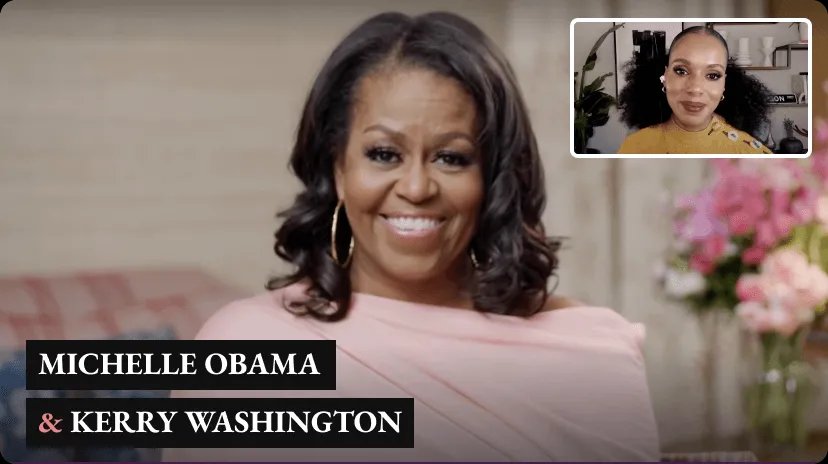
Once a session ends, the built-in editor lets creators work from a transcript instead of a traditional timeline. Deleting a line of text removes the corresponding video, which makes the editor approachable for people without prior editing experience. Each speaker also keeps a separate track inside the editor, which simplifies removing crosstalk or adjusting layouts.
AI tools inside the editor handle several time-consuming tasks automatically. Filler words, pauses, and fluff can be stripped out with a single click, and audio can be enhanced to sound more polished regardless of the original microphone. The editor can also correct misspoken lines by syncing voice and lip movement, and it can adjust eye contact when participants are not looking directly at the camera.
Repurposing Content with AI Magic Clips and Social Assets
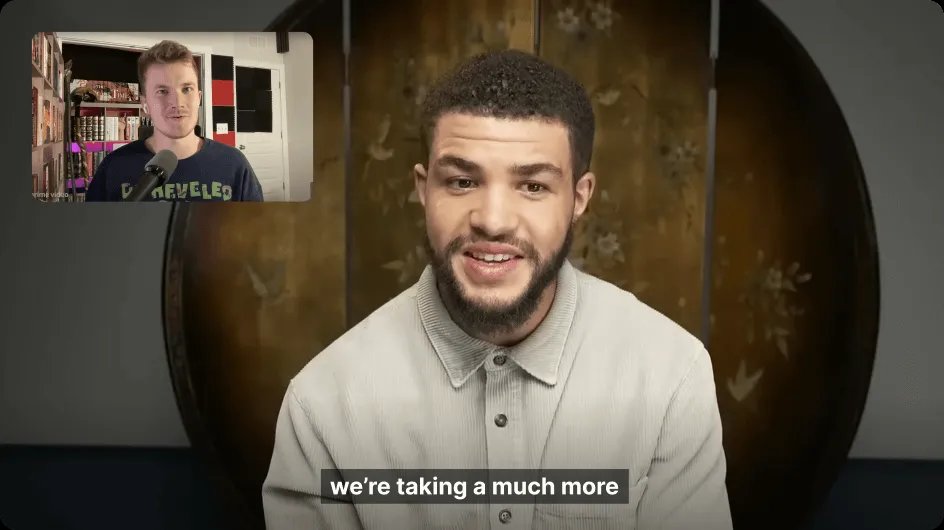
Beyond the full episode, an AI Co-Creator generates a suite of promotional assets from a single recording. That includes short clips, social posts, thumbnails, and headlines, each optimized for the channel where it will be shared. The aim is to turn one long recording into many pieces of content without separate manual editing for each one.
AI-generated clips are selected automatically from the best moments in a recording, ready to post as is or refine further. A built-in AI agent can also respond to simple chat instructions, such as removing a specific section or improving the overall look of a clip. This repurposing layer sits directly inside the same platform used for recording and editing, which is a core advantage of browser-based podcast recording over juggling separate apps.
- Local-first recording keeps audio and video quality intact even when an internet connection is unstable.
- Separate tracks per speaker give editors more control without needing to untangle a single mixed file.
- Text-based editing lets creators cut footage by deleting words in a transcript rather than scrubbing a timeline.
- One-click AI tools handle filler-word removal, audio enhancement, and eye-contact correction.
- Automatic clip generation turns a single recording into multiple ready-to-share social assets.
- Built-in publishing removes the need to export and re-import files into separate distribution tools.
Publishing Directly to YouTube, Spotify, and Apple from One Platform
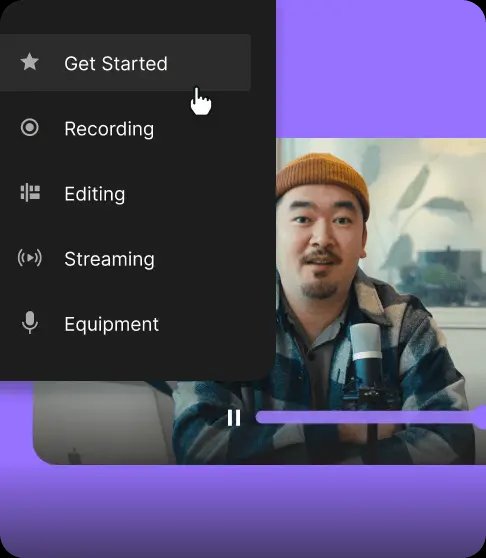
Riverside includes podcast hosting with an RSS feed, letting creators publish episodes directly to Spotify, Apple Podcasts, and YouTube. Show notes and transcriptions are generated for each episode automatically, saving a step that would otherwise require separate writing. Podcast hosting comes included with paid plans, so publishing does not require a separate hosting subscription.
Built-in analytics give creators insight into episode performance and audience behavior. On the social side, a content planner allows scheduling and publishing to YouTube, TikTok, Instagram, LinkedIn, X, and Facebook from the same calendar. Descriptions for scheduled posts are generated based on the actual content, which can be used as is or edited before publishing.
In-Person and Hybrid Shows with Multicam Recording
Recording tools extend beyond remote conversations into in-person and hybrid formats. Hosts can bring their own cameras into a session, and the platform is built to make the most of whatever camera is connected, including constant frame rate capture. That flexibility supports shows that mix a studio setup with remote guests joining from elsewhere.
Organizations with heavier production needs have adopted this approach for consistency across episodes. Pacific Content, a podcast production company, moved to riverside specifically because it needed raw audio files for its sound designers to work with. According to the company’s Head of Audio Production, the switch brought reliability that earlier remote workflows could not match, particularly once in-person studio sessions became harder to arrange.
As more shows mix remote guests with in-person setups, having a single recording environment that handles both reduces the number of tools a production team has to manage. Local capture, AI-assisted editing, and direct publishing combine to keep that whole hybrid workflow inside one browser tab, regardless of where each participant sits.
That mix of formats points to where podcast and video production keeps heading: fewer tools, more done in one place.