Choosing between text-to-3D vs image-to-3D generation often comes down to what a creator already has on hand, a clear idea in words or a reference picture in front of them. Meshy supports both paths and turns either one into a production-ready 3D model in under a minute. The sections below examine how each method performs across game development, 3D printing, and product design, and where the two approaches tend to favour different starting points rather than different fields entirely.
Text-to-3D Generation: Creating 3D Models from Written Descriptions
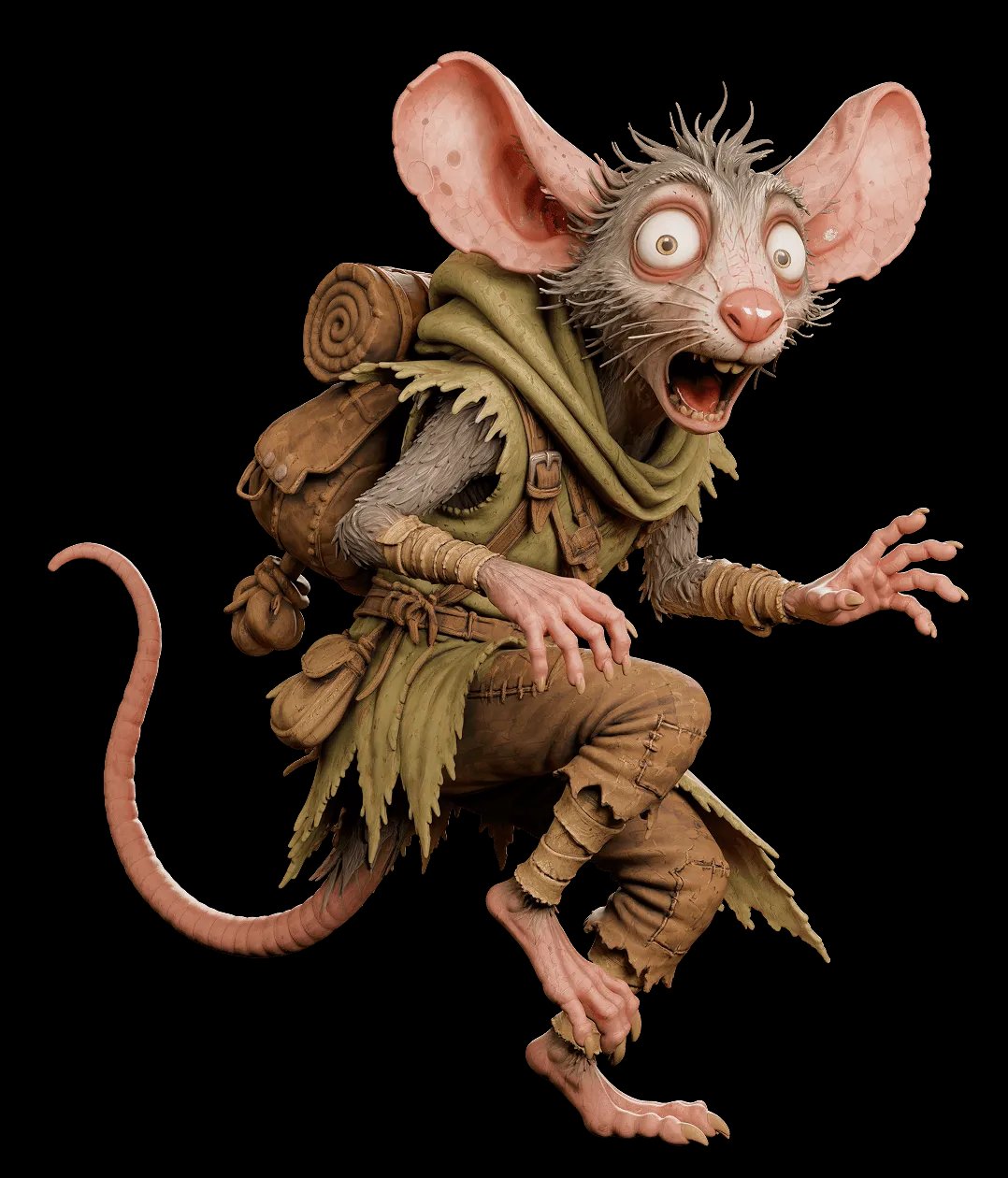
Text-to-3D starts with a written prompt describing a character, prop, or object. Meshy converts that description into a 3D mesh, which means a creator never has to track down a reference photo before starting work. This matters most when the goal is purely conceptual, something imagined rather than something already photographed or sketched.Because no image has to be sourced or prepared, text prompts tend to move faster from idea to first draft. A designer can describe a dozen variations of a prop in quick succession and generate each one. That speed makes text-to-3D well suited to early brainstorming, where volume and iteration matter more than matching one exact reference.
Image-to-3D Generation: Transforming Photos and Sketches into 3D Assets
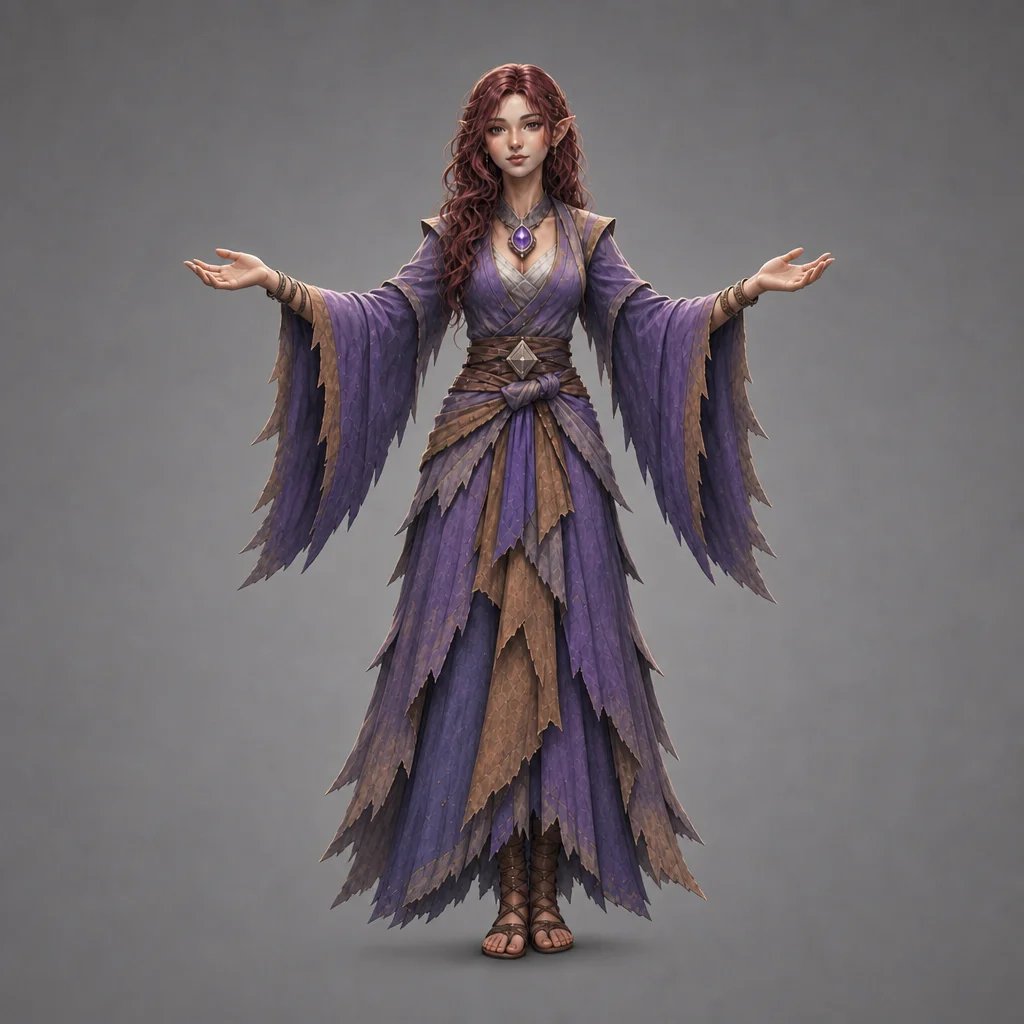
Image-to-3D works differently. A photo, sketch, or piece of concept art is uploaded, and the platform turns it into a 3D model that can be printed, dropped into a game engine, or refined further. This path suits situations where a specific look already exists, for example a hand-drawn character design or a product photo that needs a 3D counterpart. The comparison of text-to-3D vs image-to-3D becomes most visible here. Image-to-3D tends to produce output that stays closer to one particular reference, since the source image anchors shape, proportions, and surface detail.Meshy‘s high-fidelity image-to-3D pipeline accepts PNG, JPG, or WEBP files up to 20MB, which gives creators flexibility in what kind of reference they bring to the generator.
AI Auto-Repair and Printability: How Meshy Handles Quality Across Input Methods
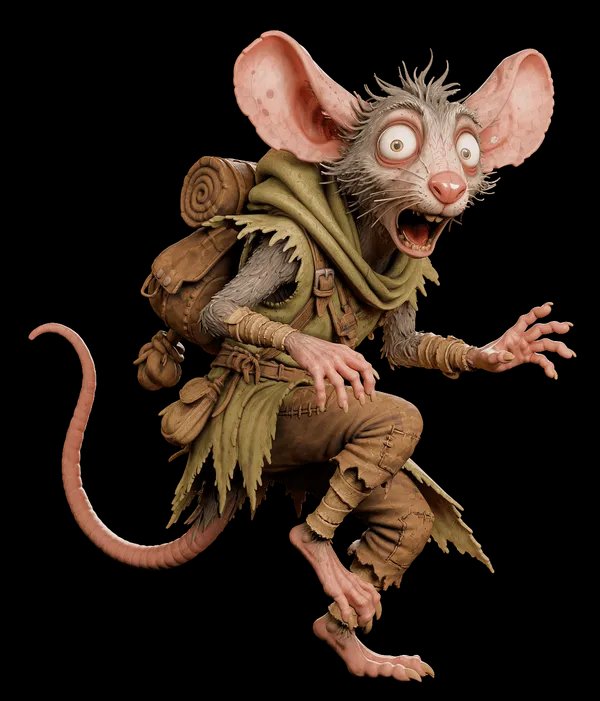
Regardless of whether a model starts from a prompt or an image, output is built with printing in mind. It comes out watertight and manifold from the start, rather than needing manual cleanup before it can be sliced. A built-in printability check scans every export and applies auto-repair to edge cases automatically. For more complex geometry, an auto-split feature breaks a model into watertight parts and pre-arranges them on the build plate. Multi-color printing is supported too, mapping each texture to the correct filament with clean color boundaries. These checks apply the same way whether the originating method was text-to-3D or image-to-3D, so printability is not something a creator has to troubleshoot differently depending on input type.
Export Formats and Integration: STL, OBJ, and GLB Across Meshy’s Workflows
Export flexibility is one area where meshy treats both generation methods identically. Models can be exported as FBX, OBJ, GLB, or STL, covering game engines, rendering software, and slicers alike. For 3D printing specifically, 3MF, STL, and OBJ formats connect directly to slicers including OrcaSlicer, Bambu Studio, Creality Print, Ultimaker Cura, and others. Finished models can also be published to community platforms such as MakerWorld, Printables, and Thingiverse. On the game development side, FBX and GLB exports are built to drop into Unity, Unreal, and Blender without extra conversion steps. That shared export layer means the decision between text-to-3D vs image-to-3D does not limit where a finished asset can ultimately be used.
Meshy’s Use Cases: Where Text-to-3D and Image-to-3D Excel
A game studio sketching an entirely new creature concept might lean on text prompts, while a studio adapting an existing concept art sheet would upload that art directly. The use-case library spans board game pieces, DnD miniatures, tabletop terrain, custom figurines, keychains, and architectural visualization, all of which can begin from either a prompt or an image. Product design follows a similar pattern. meshy‘s product design tool turns a text prompt, sketch, or reference image into a textured 3D prototype, letting designers and engineers explore packaging, bottles, cans, and consumer goods concepts before committing to CAD. The choice between the two input types usually comes down to whether a reference already exists or whether the concept is still being shaped in words.
- Text-to-3D requires only a written description, while image-to-3D requires a photo, sketch, or piece of concept art as input.
- Image-to-3D tends to produce output that stays closer to one specific reference, whereas text-to-3D leaves more room for interpretation.
- Text prompts can be iterated quickly since no image needs to be sourced or prepared beforehand.
- Game development often benefits from text-to-3D when concepting entirely new characters or creatures from scratch.
- 3D printing projects frequently start from image-to-3D when adapting an existing sketch or physical object into a printable model.
- Product prototyping commonly draws on both methods, depending on whether a designer is starting from a drawn concept or a written brief.
Across both workflows, output lands in formats like FBX, OBJ, GLB, and STL, so the decision between text-to-3D vs image-to-3D does not restrict downstream use. Whether a project begins with a sentence or a picture, the same printability checks, export options, and auto-repair process apply once generation is complete.
Closing Thought
Text and image inputs are simply two doors into the same production pipeline, and the better choice depends on what a creator already has in hand.