Meeting conversations tend to vanish the moment a call ends, unless something is actively capturing them. AI meeting transcription tools exist to solve that exact problem, turning spoken discussion into searchable, shareable text. Fireflies approaches this challenge across a wide range of platforms and devices, from scheduled video calls to casual in-person chats, which is the focus of what follows.
What Fireflies Does: Core Meeting Capture and Transcription
At its center, Fireflies is built around capturing conversations and converting them into usable records. The platform transcribes meetings with high accuracy across accents and environments, and it supports transcription in more than 100 languages. It also includes auto-language detection, so a switch from one language to another between meetings does not require manual setup.
Beyond raw transcription, the platform adds speaker recognition, tagging who said what throughout a recording. That distinction matters once a transcript stretches across dozens of minutes and several participants. Combined, these features form the foundation that the rest of the platform builds on.
Live Transcription and Speaker Identification Across Platforms
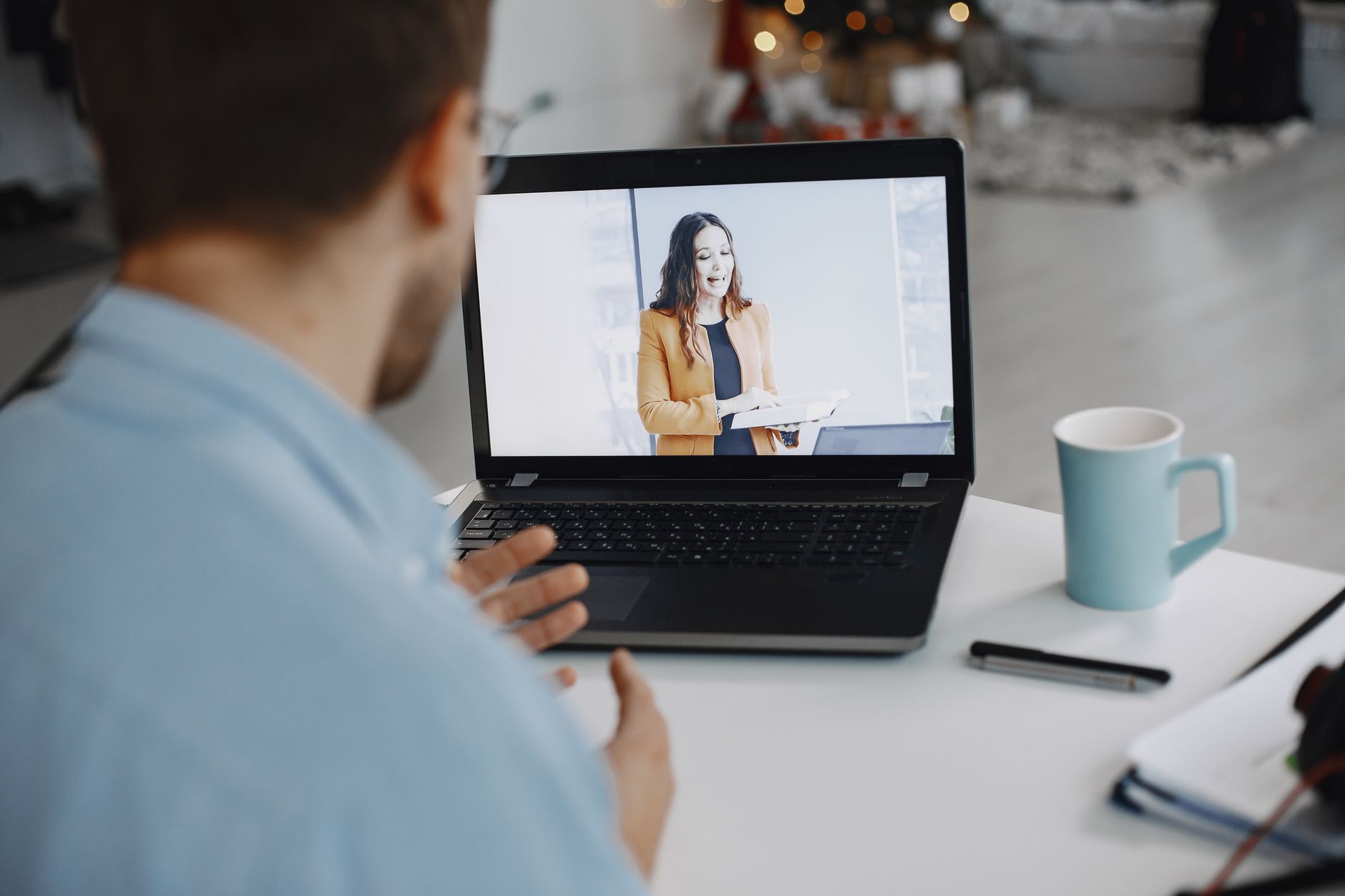
Transcription does not only happen after a call ends. fireflies generates live transcripts as a conversation unfolds, letting participants follow along in real time instead of waiting for a finished summary. This kind of AI meeting transcription during an active call is particularly useful in fast-moving discussions where details can otherwise slip by.
Speaker identification runs alongside this live feed, automatically labeling contributions as the meeting progresses. As a result, the finished transcript already arrives organized by participant rather than as one undifferentiated block of text. This structure carries over consistently whether the meeting happens on Zoom, Microsoft Teams, Webex, or Google Meet.
Chrome Extension for Google Meet: Seamless Recording Without a Bot
For Google Meet specifically, Fireflies offers a Chrome extension that records, transcribes, and summarizes calls without a separate bot joining as a visible participant. That means the call proceeds exactly as it would otherwise, with capture happening quietly in the background. The extension also supports Chrome, Brave, and Microsoft Edge.
Setup follows three steps, starting with installing the extension from the Chrome Web Store. Once a Google Meet call begins, it automatically captures the conversation, and the finished transcript and summary appear afterward in the Notebook. On top of that, the extension includes AskFred, allowing questions about the call to be asked as it is still happening.
Mobile and Desktop Apps for In-Person and Remote Conversations
Fireflies addresses conversations outside the video-call format with a mobile app for iOS and Android, built to transcribe and summarize in-person exchanges such as interviews or hallway discussions. This extends AI meeting transcription well beyond the scheduled call, into settings where a laptop or video link is not involved at all.
A desktop app covers a related but distinct need, enabling capture of calls across Zoom, Meet, Teams, and Slack Huddles without requiring a bot to join. In addition, dialers and API access allow transcription of calls routed through services like Aircall and RingCentral. Audio and video files in formats such as MP3, MP4, WAV, and M4A can also be uploaded directly for transcription and summarization.
- Live video meetings on Zoom, Google Meet, Microsoft Teams, and Webex can be captured through the AI note taker bot or platform-specific tools.
- Google Meet calls can be recorded through the Chrome extension without a bot appearing in the meeting.
- Phone calls placed through dialers such as Aircall and RingCentral can be transcribed automatically.
- In-person conversations and interviews can be captured through the mobile app on iOS and Android.
- Uploaded audio and video files, including MP3, MP4, WAV, and M4A formats, can be processed for transcripts and summaries.
Building a Searchable Knowledge Base With Meeting Search and AskFred
Once a backlog of transcripts accumulates, finding a specific detail becomes its own challenge. Fireflies addresses this with Meeting Search, which locates what was discussed in calls from months earlier, down to a specific sentence and timestamp. This turns a pile of recordings into something closer to an actual reference library.
AskFred extends that further by letting someone ask a direct question and receive an answer pulled from across recorded meetings. Instead of scrolling through a transcript manually, a question can surface the relevant moment directly. Together, these tools are what the platform describes as giving a team perfect memory after every conversation.
From Notes to Action: Summaries, Action Items, and Workflow Automation

Transcripts alone are not always practical to read in full, which is why Fireflies also generates summaries. These include an overview, bullet points, key decisions, and custom notes, and summaries can be expanded to see exactly what was said behind any given bullet. Action items are pulled out automatically, each tied to a task and, where relevant, an owner.
This structure turns a recorded call into something that can feed directly into other workflows. Notes and action items can flow into project management tools, CRMs, and applicant tracking systems through the integrations the platform maintains. For teams handling a high volume of calls, this reduces the manual work of writing up what happened after each one.
Conversation intelligence features add another layer on top of this. Speaker talk-time tracking shows how participation is distributed across a meeting, and AI filters help surface patterns across multiple calls. These analytics are built for teams that want more than a transcript of AI meeting transcription output, aiming instead to understand how conversations happen over time.
Across all of these capabilities, the throughline is consistency. Whether a conversation happens on a scheduled video call, over the phone, or in person, Fireflies applies the same transcription and summarization approach to it, under GDPR and SOC2-aligned handling. That consistency is what makes a searchable archive of team conversations possible at all.