









PC building offers unmatched customization compared to pre-built systems. Whether you’re assembling a machine for gaming, content creation or everyday computing, understanding component selection is essential. The PC building process involves choosing a processor, motherboard, graphics card, memory, storage and power supply that work together cohesively. A well-researched build delivers superior performance-to-dollar value and allows future upgrades aligned with your needs and budget constraints.
Modern Building appeals to enthusiasts and professionals alike because it provides complete control over specifications, quality and budget allocation. When you visit Newegg, you find comprehensive inventory spanning entry-level components to cutting-edge hardware. The platform simplifies sourcing compatible parts from trusted manufacturers with detailed product information and customer reviews. Finding the right components requires research and patience, but the savings and customization justify the effort.
Selecting the Right Processor for Your Build
The processor (CPU) acts as your computer’s brain, executing instructions and coordinating all operations. Selection depends on intended use, gaming systems benefit from high-frequency processors with multiple cores, while productivity builds prioritize core count for parallel processing tasks. When browsing Newegg options, compare specifications like core count, thread count, clock speed and thermal design power requirements. Price-to-performance ratio varies between processor generations, so understanding current benchmarks helps optimize your budget allocation. Newer architecture often delivers better performance-per-watt efficiency even at similar prices. CPU selection represents one of the most important PC building decisions because it affects overall system capabilities and gaming performance directly.
Choosing a Compatible Motherboard
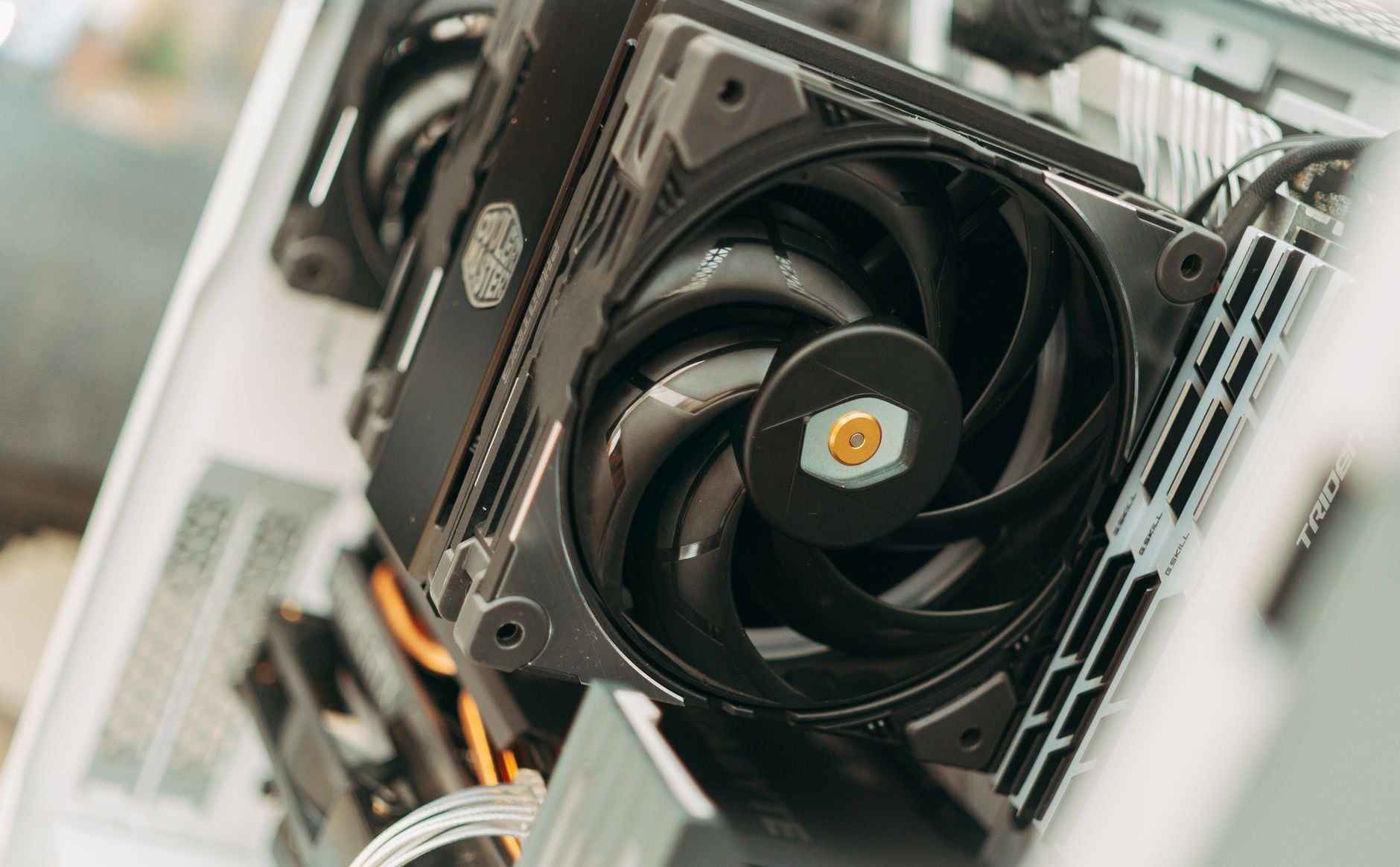
The motherboard connects all components and determines CPU compatibility, RAM capacity and expansion possibilities. Socket type must match your chosen processor, modern builds typically use LGA1700 (Intel) or AM5 (AMD) sockets. Motherboard features like VRM quality, power delivery phases and expansion slots influence system stability and upgrade potential significantly. Budget-conscious builders can select B-series boards, while enthusiasts often prefer X-series models with enhanced overclocking capabilities and premium components. Newegg catalogs boards at every price point, from basic to premium options supporting the latest technologies and high-speed connections like PCIe 5.0 and USB 3.2.
Graphics Cards for Gaming and Content Creation
Graphics cards transform visual data into displays while accelerating computation-heavy workloads. Gaming builds need GPUs matching monitor resolution and refresh rate targets, 1440p gaming typically requires mid-range cards, while 4K demands high-end hardware with substantial VRAM. Content creators benefit from VRAM capacity and architecture optimized for encoding and rendering operations. NVIDIA and AMD dominate the market with distinct strengths, NVIDIA excels in ray tracing and professional software support, while AMD delivers competitive gaming performance at lower prices. Inventory fluctuates significantly based on cryptocurrency mining demand and manufacturing constraints, so checking Newegg regularly helps capture availability windows when your target card reaches acceptable pricing levels.
Memory and Storage for Optimal Performance
RAM speed and capacity directly impact system responsiveness and multitasking capability. Modern systems require DDR5 for newest platforms, though DDR4 remains viable for budget PC building projects and existing platforms. Capacity recommendations range from 16GB for gaming to 32GB for content creation and heavy multitasking environments. Storage choices include fast NVMe SSDs for boot drives and frequently accessed files, with larger SATA SSDs or hard drives for archival storage purposes. NVMe drives provide significant speed advantages in boot times and application loading, justifying their primary drive role despite higher cost-per-gigabyte. Newegg stocks comprehensive storage solutions across all price ranges and capacities from trusted brands with excellent reliability ratings.
Power Supply Sizing and Reliability
Power supply units (PSUs) receive less attention than flashier components but prove critical for system stability and longevity. Undersized PSUs throttle components under load, reducing performance and lifespan significantly. Proper sizing requires calculating total system wattage and adding 20-30% headroom for efficiency and future upgrades, a system needing 550W benefits from a quality 650-750W unit. Modular cables simplify cable management and airflow patterns, while high efficiency ratings (80+ Gold/Platinum) reduce electricity costs over years of operation. Choosing certified units from reputable manufacturers prevents component damage from voltage spikes or catastrophic failures. Newegg stocks quality units from established manufacturers with appropriate certifications and comprehensive warranties.
- CPU selection should match intended use, gaming, productivity or content creation workloads.
- Motherboard socket type must align with chosen processor for hardware compatibility.
- Graphics cards determine gaming performance at target resolution and refresh rates.
- RAM capacity and speed significantly impact multitasking and system responsiveness.
- Properly sized PSU from reputable brands ensures stability and component longevity.
Building your own computer rewards careful component selection with a system perfectly optimized for your needs and budget. The satisfaction of assembling hardware you selected yourself, combined with superior performance and upgrade flexibility, makes PC building a worthwhile endeavor for anyone serious about computing.